
How img.now upscales images
Upscaling enlarges an image while rebuilding believable detail, instead of simply stretching the pixels you already have. It is how a small generation or an old photo becomes a crisp, print-ready file at 2x, 4x or 8x.
Reconstruct detail, not just stretch pixels
A plain resize spreads existing pixels thin, so edges turn soft and blocky. Upscaling looks at the surrounding detail and intelligently fills in new pixels, keeping lines clean and texture intact so the bigger version genuinely reads as larger.
- Sharper edges and recovered texture
- 2x, 4x and 8x options
- Great for photos, art and product shots
- Pairs with the enhancer for soft sources
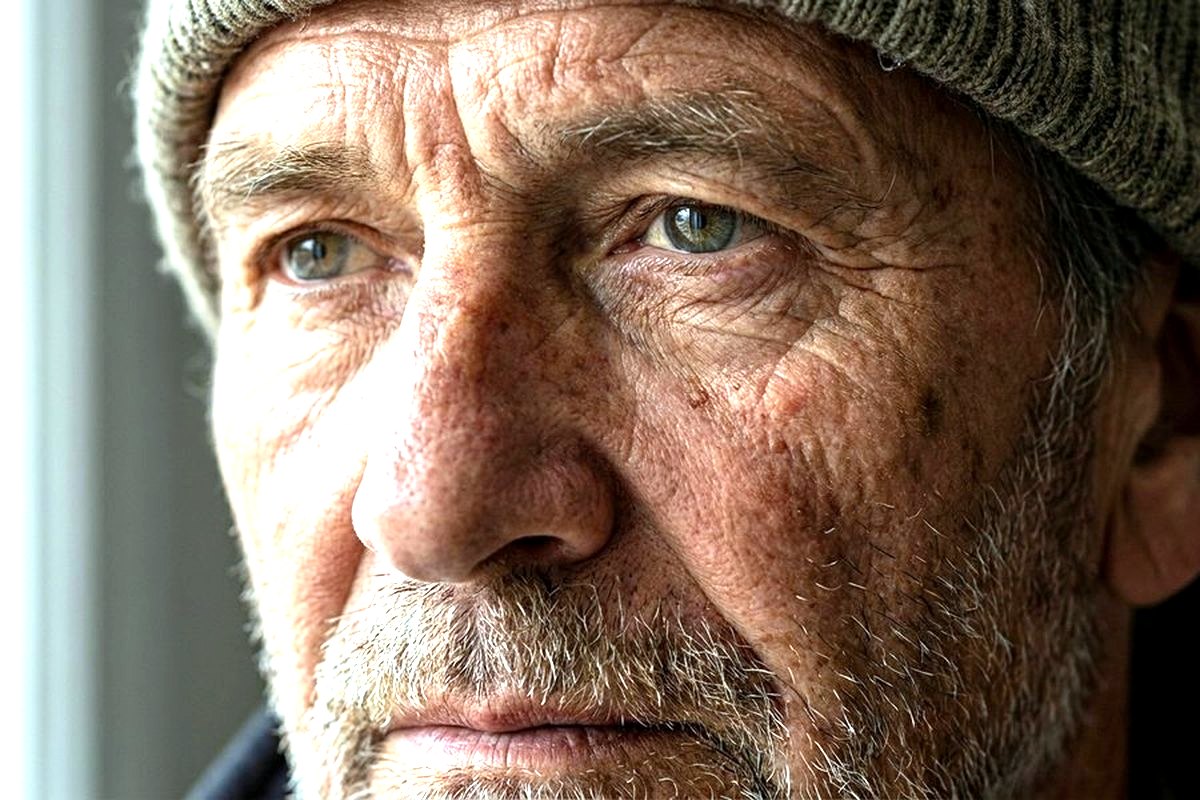
When to reach for it
Use upscaling whenever a small image needs to live somewhere larger - A print, a big display, or a platform with a minimum resolution. Choose the smallest jump that meets your target size for the most natural result.
- Make a generation print-ready
- Meet a banner or thumbnail minimum
- Rescue a small, old photo
- Enlarge a logo without the jaggies
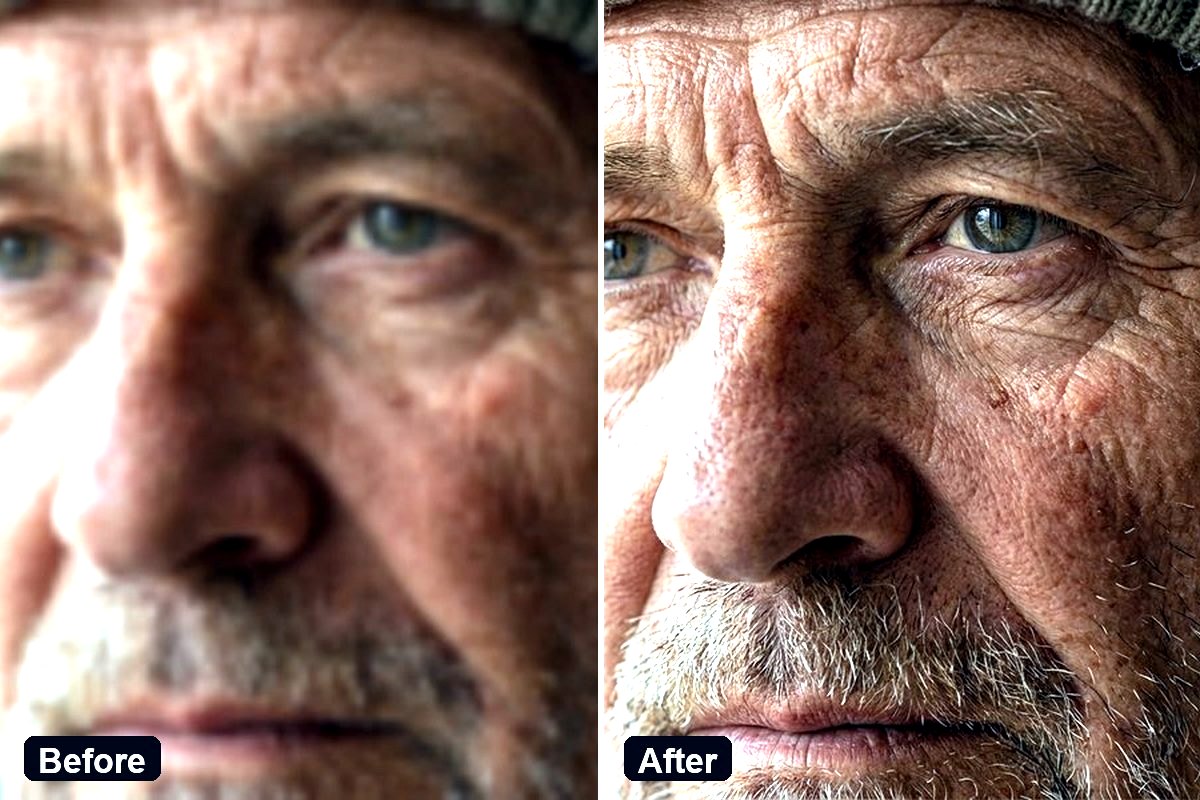
Resize vs. upscale
| Resize | Upscale | |
|---|---|---|
| Adds new detail | No | Yes |
| Edges when enlarging | Soft / blocky | Crisp |
| Best for shrinking | Yes | Overkill |
| Best for enlarging | No | Yes |
| Good for print | Limited | Yes |
Detail retained when enlarging 4x
A simple workflow
Upload the image
Drop in the small photo or generation.
Pick a factor
2x, 4x or 8x toward your target size.
Download the result
Crisp, larger, and saved to your files.
Honest limits
AI image models are powerful but not perfect. They can struggle with small readable text, exact counts, hands and precise brand marks. When a result misses, a clearer prompt or a quick edit usually fixes it - The how AI image generators work guide explains why.