
AI Social Media Image Templates
Keep a busy feed fed. Generate a themed set of posts, stories and ad creatives that share a consistent look and fit each platform's size - So a week of content comes together in one sitting instead of a daily scramble.
Make these with Social Post Image Generator
Read next AI Images for Social Media · AI images for Social media
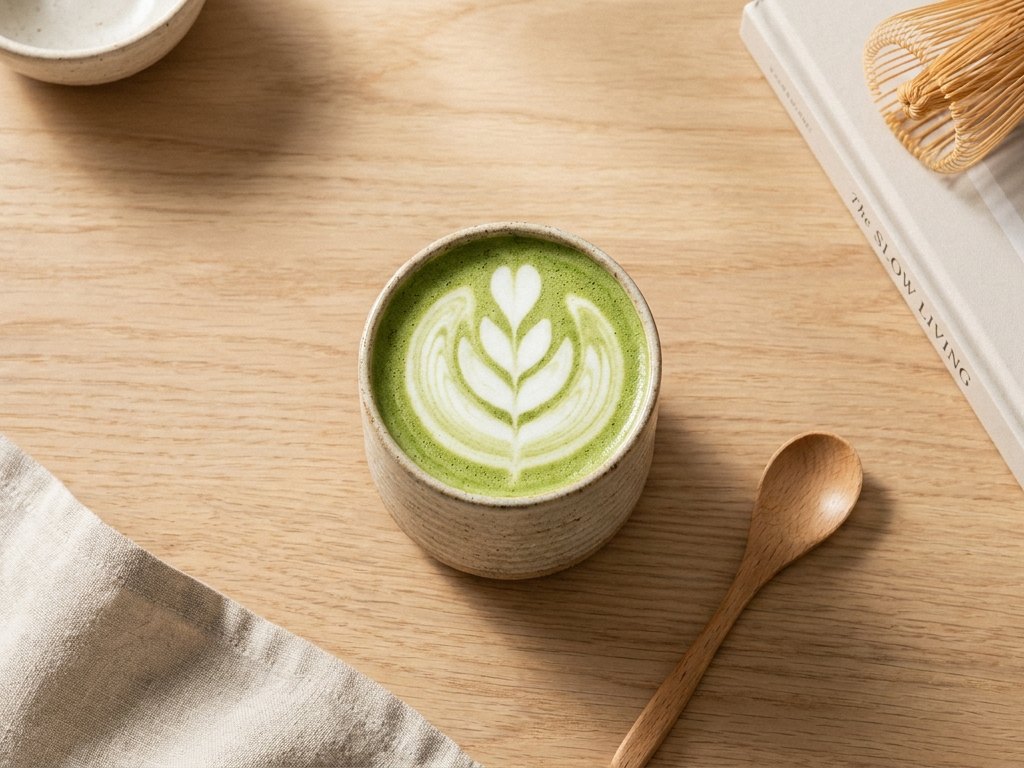
Batch a consistent set
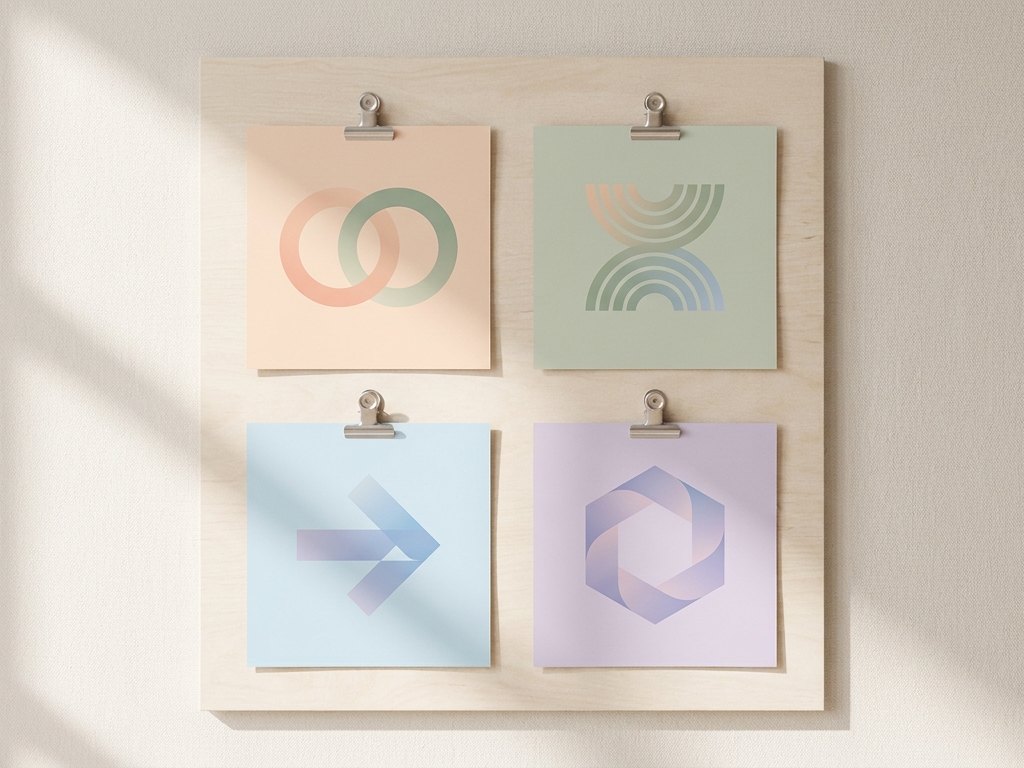
Pick a style and generate a matching series so your grid looks intentional. Quote backgrounds, announcement cards, carousels and lifestyle shots all stay on-brand when they come from the same direction.
- Themed sets that read as a series
- Quote and announcement backgrounds
- Carousels with one consistent style
- Fresh variations so nothing repeats
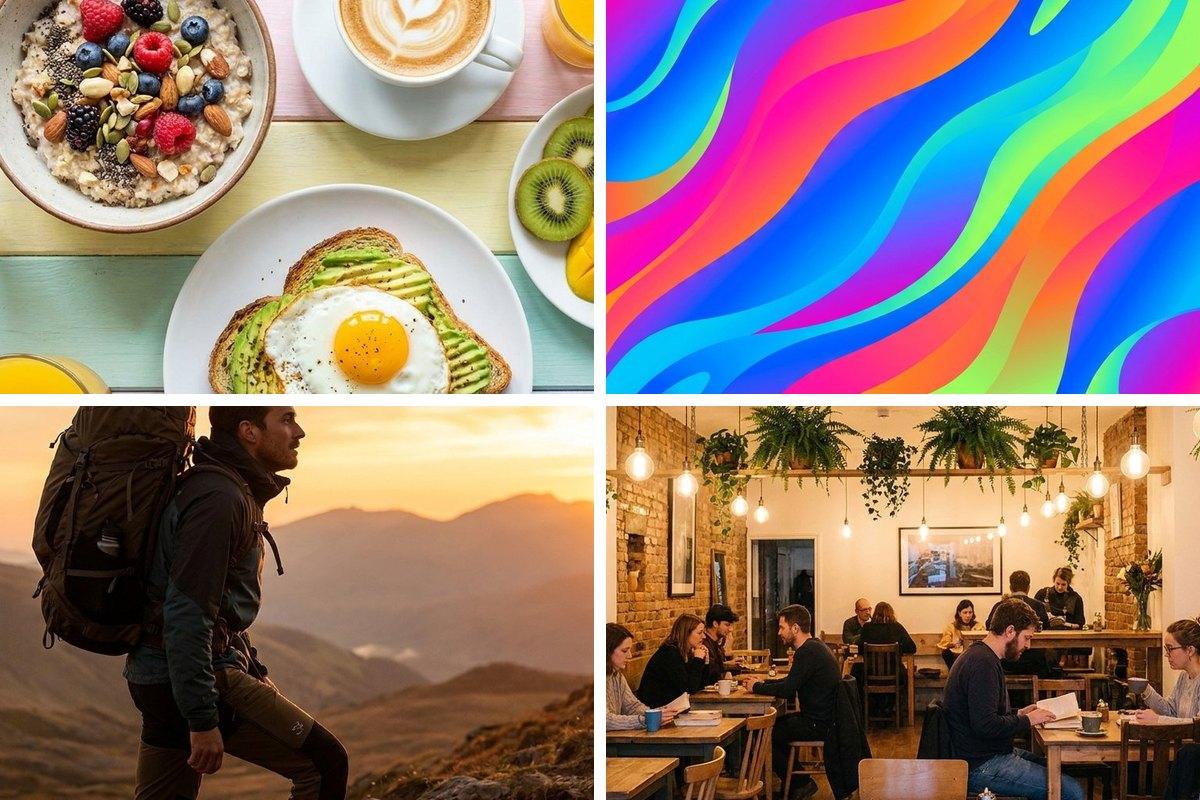
Sized right for every feed
A square crops badly on a story; a story looks tiny in a feed. Generate the idea once, then export the exact ratio each platform rewards so your subject is always framed properly and uploads fast.
- 1:1 for the feed
- 9:16 for stories and reels
- 16:9 for thumbnails
- Compressed for fast uploads
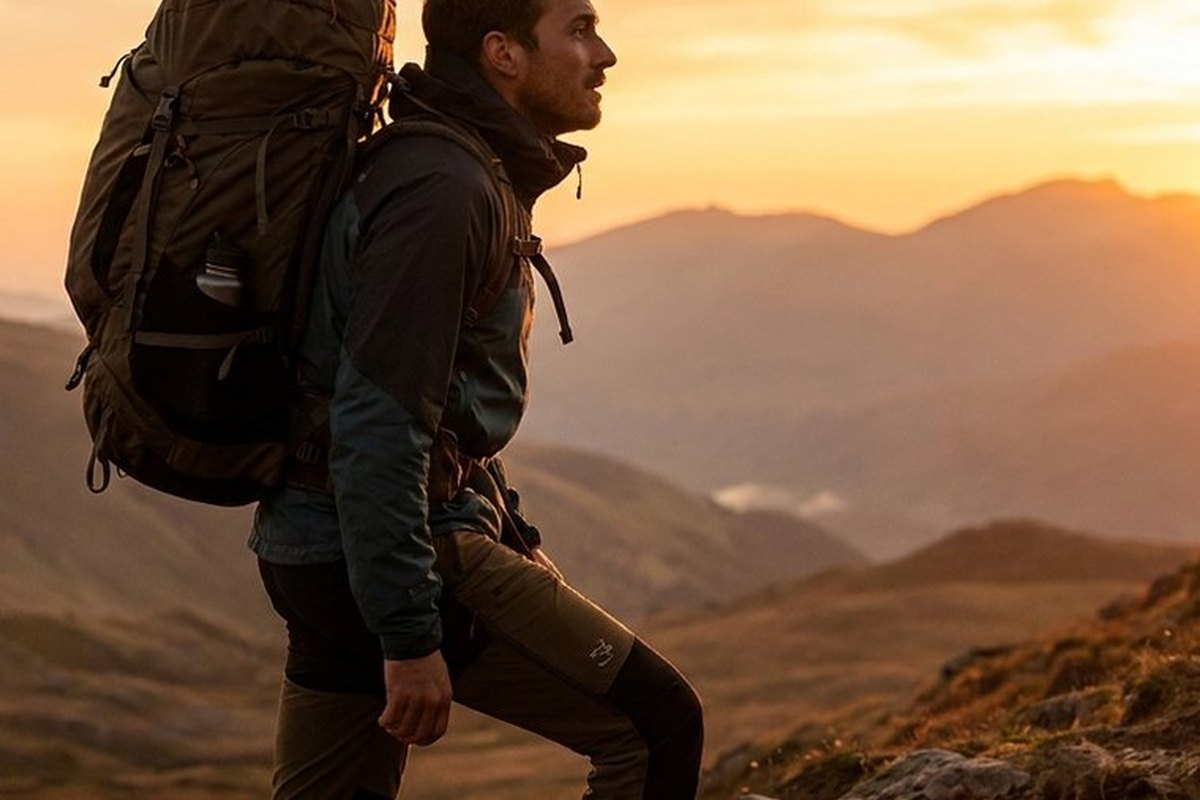
Prompt starters for social
Swap the [bracketed] parts for your own subject, then generate.
| Goal | Prompt direction |
|---|---|
| Feed post | A bright [subject] flat lay on a [colour] background, trendy social style, soft daylight |
| Quote card | A calm textured [colour] background with soft light and space for a quote, minimal |
| Story / reel | A vertical lifestyle scene of [subject], warm tones, instagram aesthetic, 9:16 |
| Promo | A bold promo background with abstract shapes and [colour] gradients, space for text |
| Carousel cover | A bold cover image for a carousel about [topic], clean layout, one strong focal point, space for a headline |
| Announcement | A celebratory announcement background for [event], confetti and [colour] accents, room for text, on-brand |
How to use this template
Pick a theme
Choose a style and generate a matching set.
Size each placement
Crop and resize to each platform's ratio.
Schedule the week
Compress, download and load into your scheduler.
Questions about social media
What aspect ratio should I use for Instagram and TikTok?
How do I leave space for captions and stickers?
How do I make my whole feed look consistent?
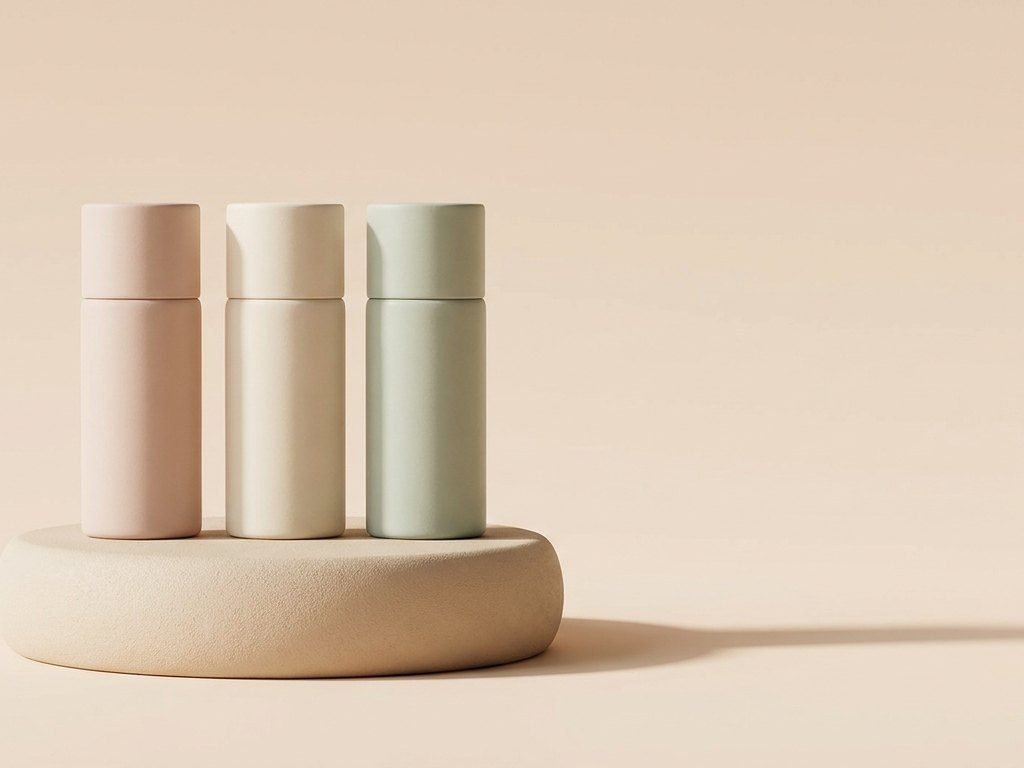
Make it your own
Open the generator with this direction and swap in your subject.
Use this direction