
AI image generation for designers
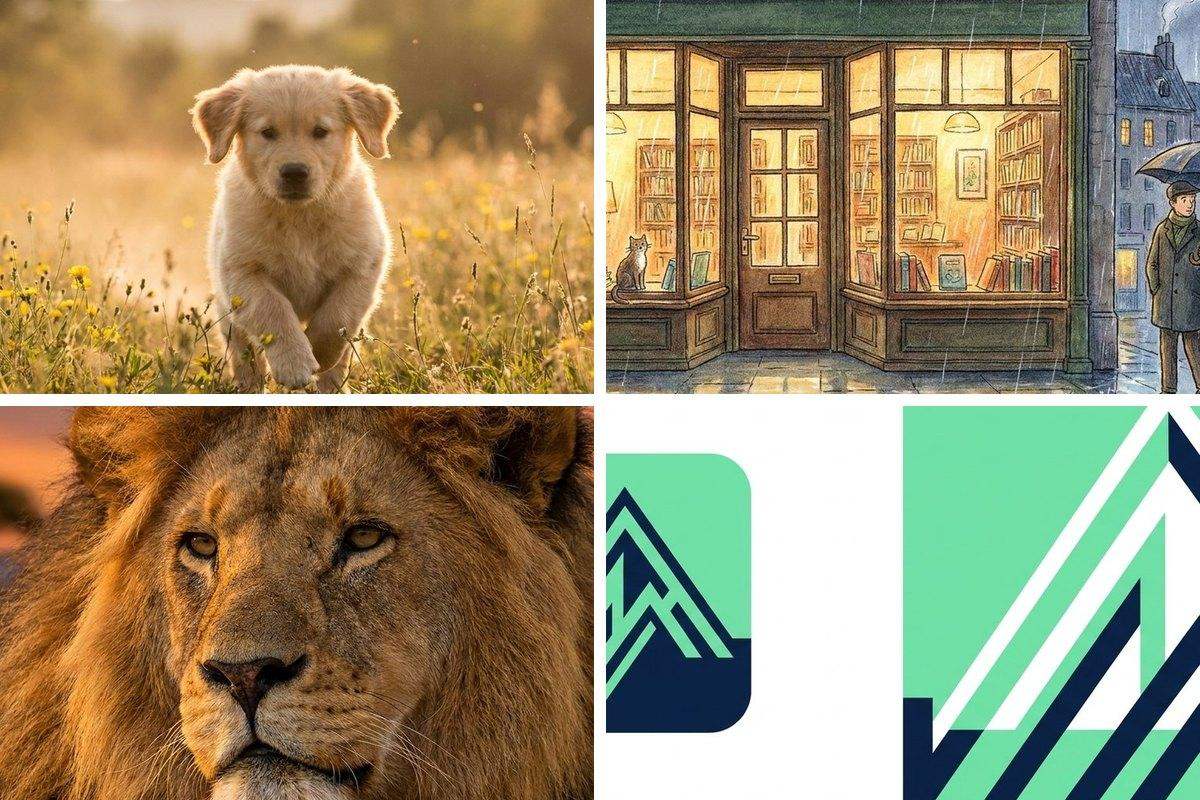
Before the polished comp comes the messy thinking. img.now gives designers fast concepts, moodboard frames and reference imagery to react to, so you spend your time directing and refining instead of hunting for stock.
Explore directions at the speed of thought
Generate a wall of options to react to, kill the weak ones, and push the promising ones further. It is the fastest way to find a direction before you commit hours to a single comp.
- Moodboards and style frames
- Concept art and key visuals
- Texture and background plates
- Quick reference for illustration
From reference to finished asset
Take a generated frame into the editing tools to make it production-ready: upscale for print, cut out a subject, or restyle an existing image with image-to-image to match a brief.
- Upscale concepts to print resolution
- Background removal for clean compositing
- Image-to-image to restyle a base
- Export in the format your pipeline needs
Where it fits your pipeline
| Stage | What to make | Tool |
|---|---|---|
| Discovery | Moodboard frames | Generate |
| Concepting | Key visuals | Generate + Image-to-image |
| Production | Print-res assets | Upscale |
| Compositing | Clean cutouts | Remove Background |
| Handoff | Right-format export | Convert |
Time spent, traditional vs. with img.now
A simple workflow
Generate options
Describe the direction and create a set to react to.
Direct and refine
Pick the strongest and push it with image-to-image.
Make it production-ready
Upscale, cut out and export for your tools.
Questions about AI image generation for designers
Is AI a replacement for my design work?
Can I hand AI images straight to a client as final art?
How do I explore many directions without redoing prompts?
Tools for designers
Read the guide: How to Write AI Image Prompts · Best AI Image Aspect Ratios
More use cases
Make your first image free
No design skills, no studio. Describe what you need and create it in seconds.
Start creating