Your  AI Image Generator
img.now is a free AI image generator and editing workspace. Type a prompt, choose a style, and receive a finished image in seconds — then upscale, remove the background, or convert the result without switching tools.
Free to start - No credit card needed.
What you can do with img.now
From a prompt to a finished image
Describe what you want, pick a style and aspect ratio, and generate sharp, on-brief images in seconds.
Open the generator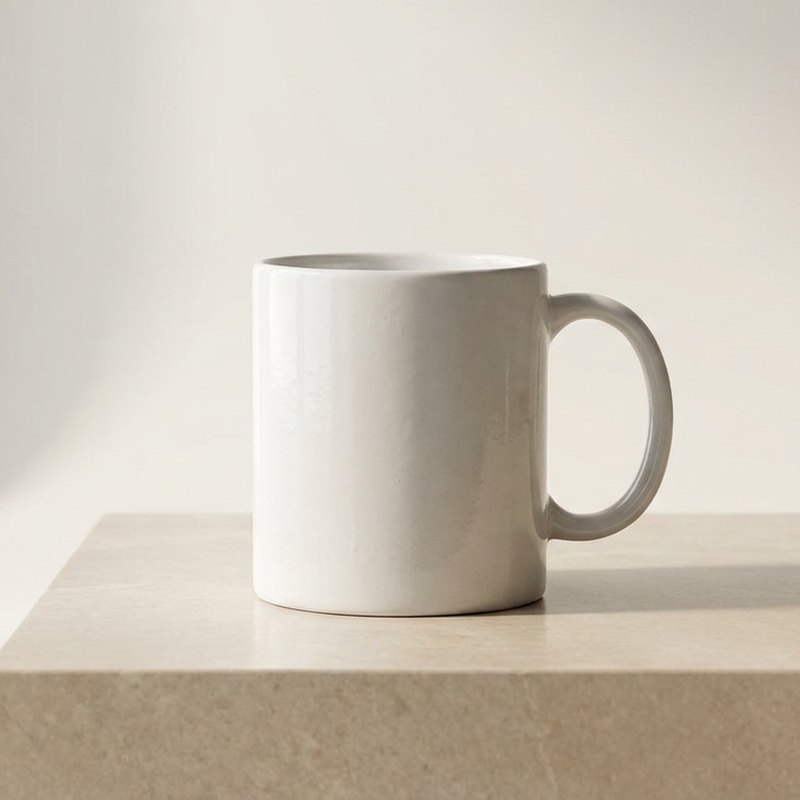
Enlarge images without losing detail
Upscale to 2x, 4x or 8x and recover crisp edges and texture, then compare before and after.
Open the upscaler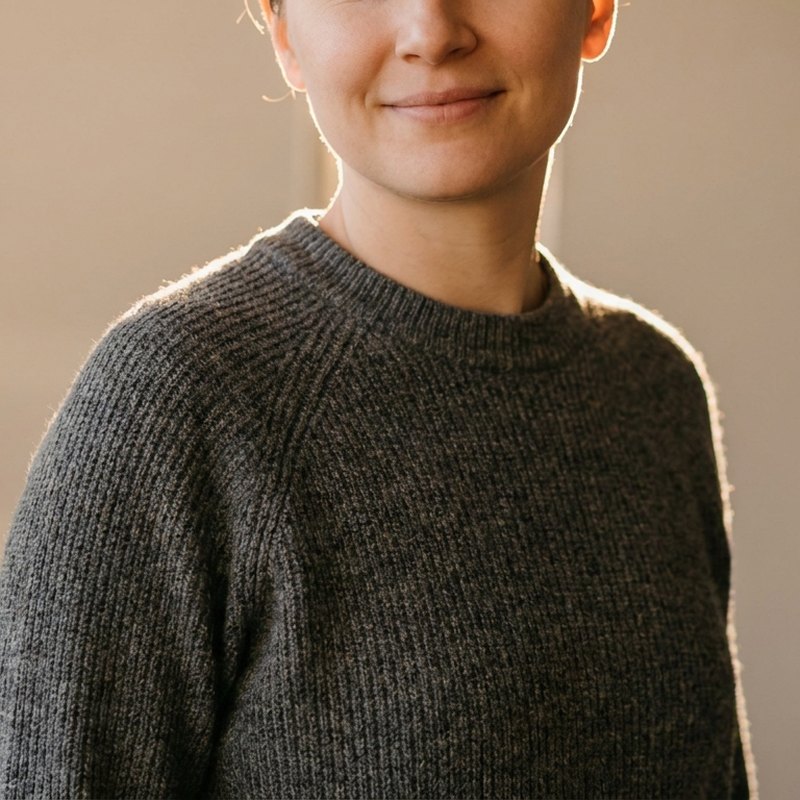
Sharpen, de-noise and lift color
Clean up soft or noisy images so the subject reads clearly, with natural color and detail.
Open the enhancer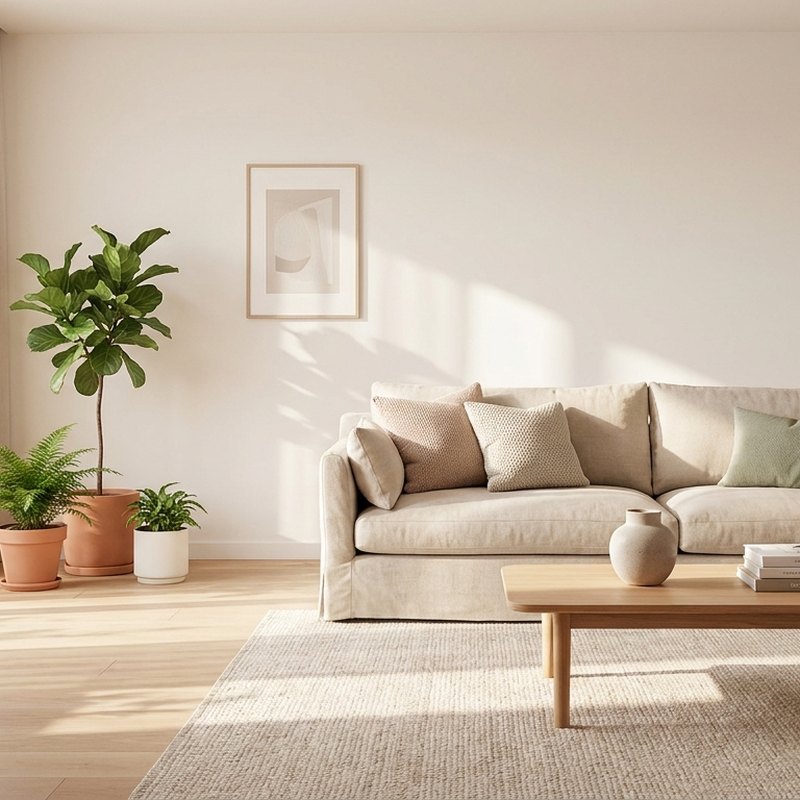
Cut out the subject cleanly
Remove the background and export a transparent PNG, or drop in a new background for product shots.
Open the remover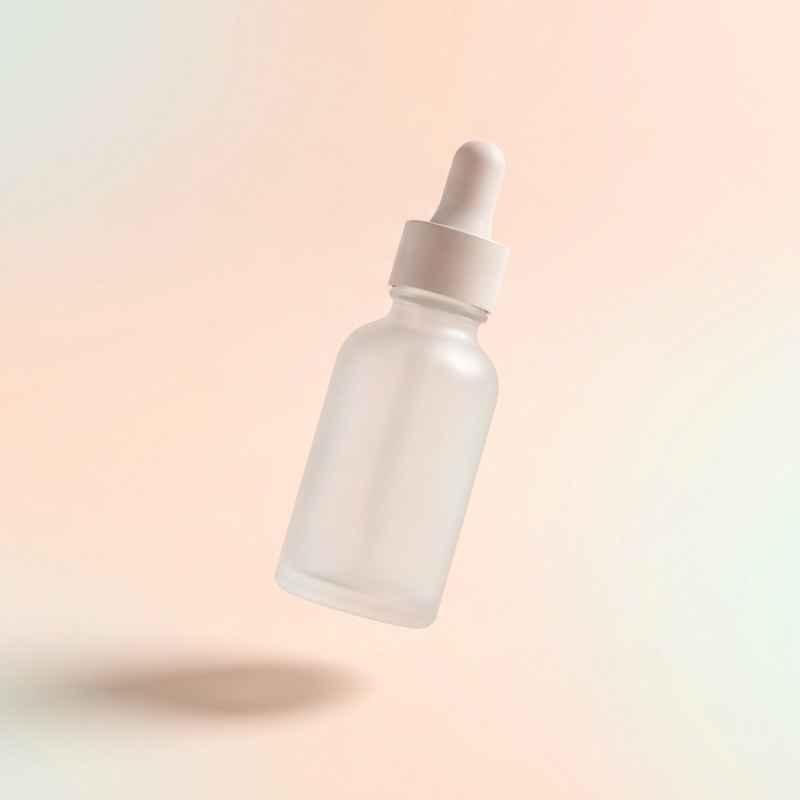
images created with img.now and counting. Join for FREE!
An AI image workspace to boost your creativity
Research the look, generate it, then finish it. No more hopping between ten different tools.
Generate deeply, finish beautifully
Turn a clear prompt into a polished image, then refine it without leaving the workspace. Pick a style, set an aspect ratio, and iterate fast.
Start generating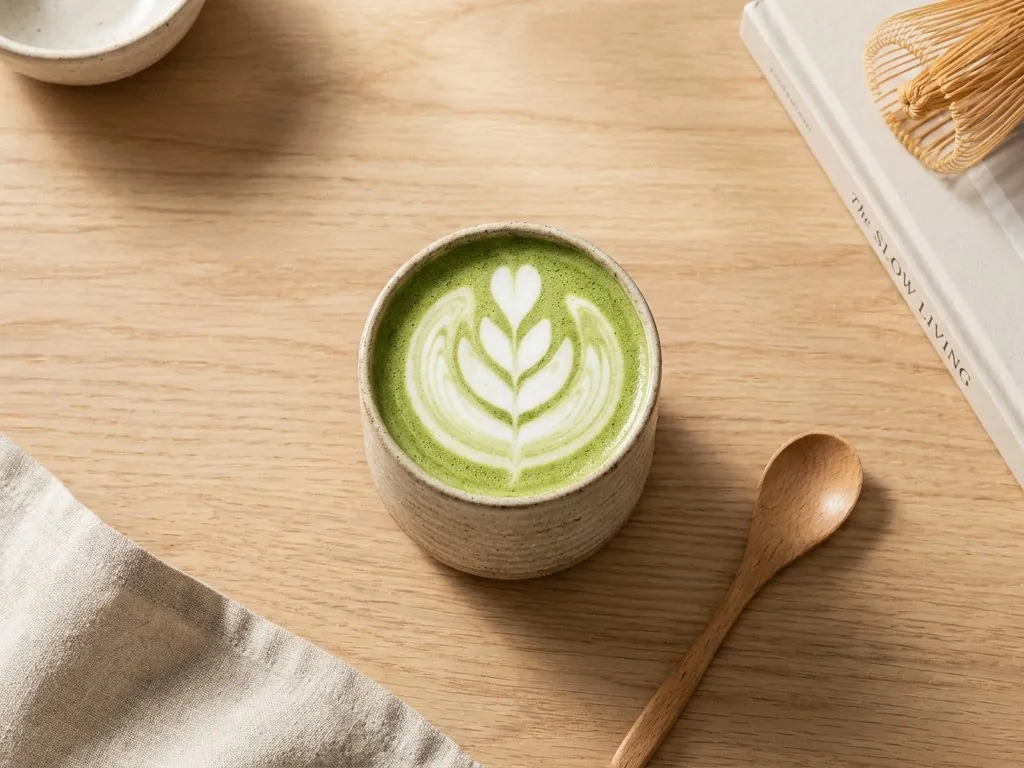
Create on-brand visual assets
Make product shots, social creative, and campaign images that stay true to your look. Keep a consistent style across every image you publish.
Browse templates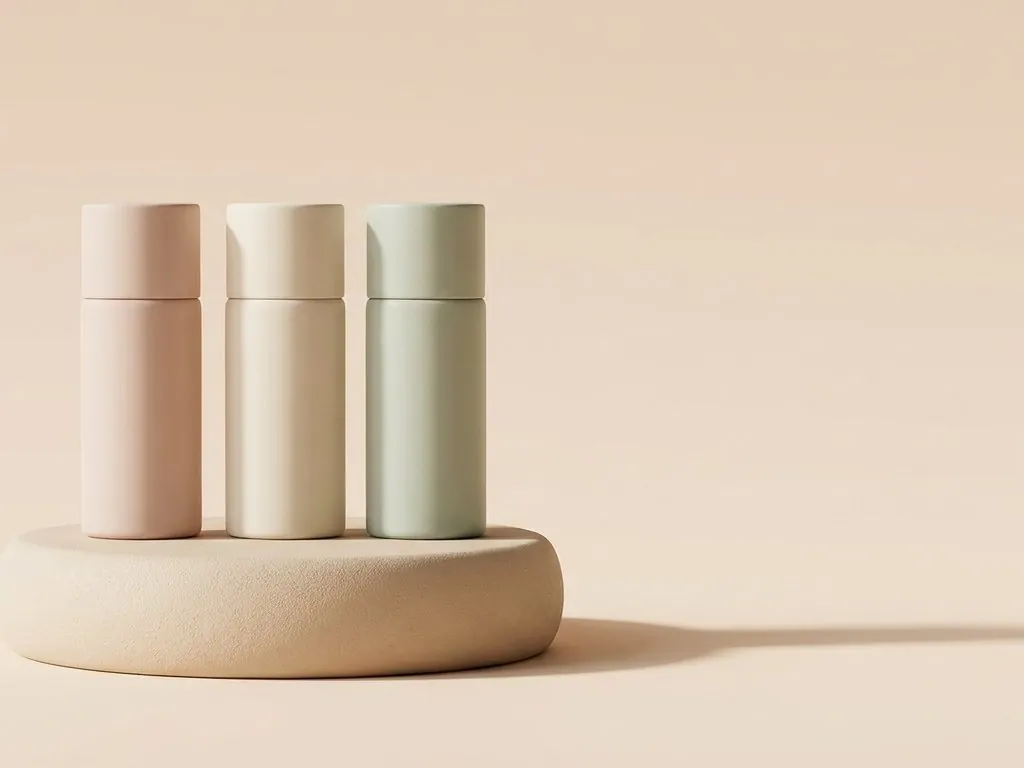
Edit, upscale and export in one flow
Send any result to the upscaler, enhancer, or background remover, then export in the format and size you need. One calm flow from idea to file.
Explore the tools
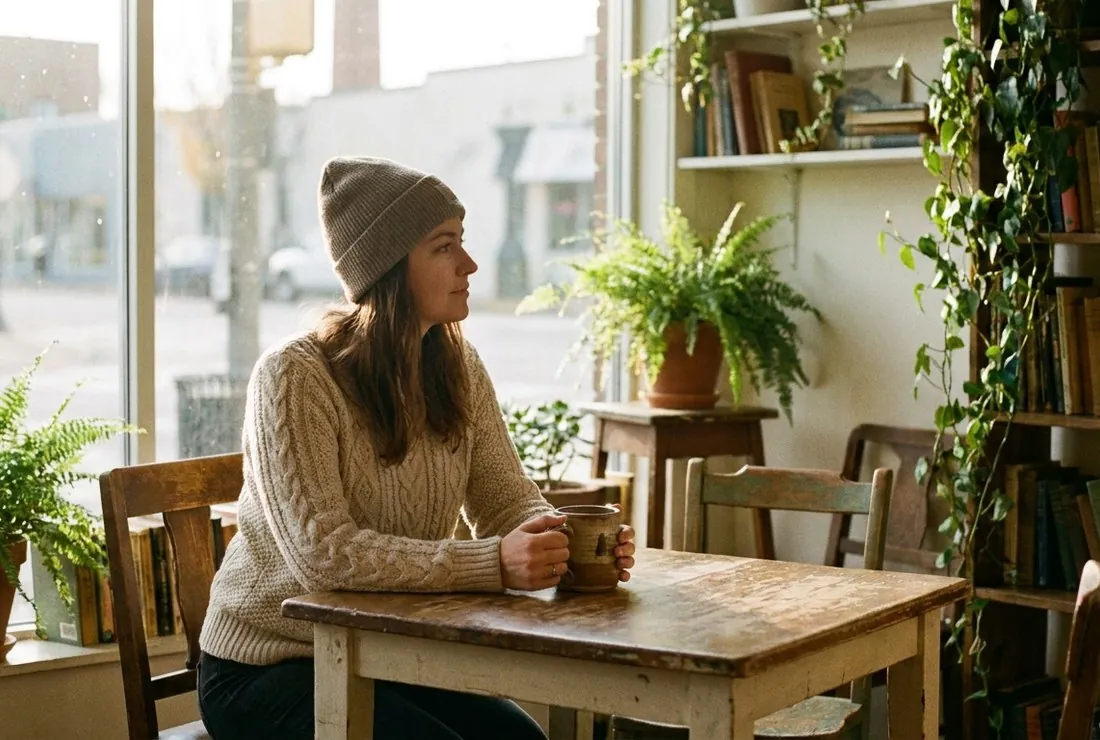
Edit any image with AI.
Open a generated image or upload your own, then resize, apply effects, remove the background, or upscale to 8k.
- 10+ AI tools, all in your browser
- Free for personal and commercial use
- Subscribe or pay as you go
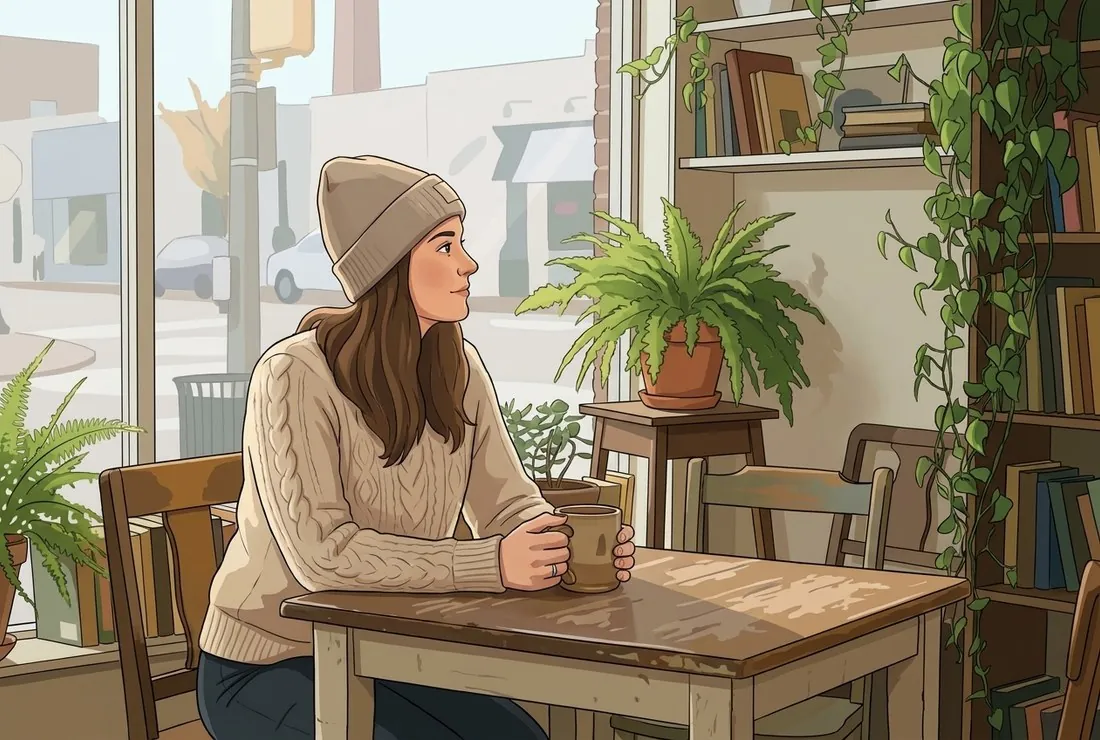 Before
After · Effects
Before
After · Effects
One model, tuned for great results
No endless model menus and no guesswork. img.now runs on a single, high-fidelity AI image model that we keep tuned and up to date, so your results are consistent and you never have to pick the "right" model.
Every style, one engine
The same model creates photographs, illustrations, 3D renders, logos, and product shots - Just describe what you want and pick a style.
Text and image input
Generate from a written prompt, or upload a photo and transform it with Image to Image - The same model handles both.
Always improving
We upgrade the underlying model over time, so your images keep getting better without you changing a thing.
One workspace for AI image creation
Generate, improve, and finish your images without opening ten different tools. Every tool has its own focused page.
AI Image Generator
Turn a text prompt into a sharp, useful image with styles and aspect ratios.
OpenAI Banner Maker
Generate ad creatives in standard IAB sizes - Leaderboard, rectangle, skyscraper and more.
OpenImage to 3D Model
Upload a JPG, PNG or WebP and convert it into a downloadable 3D model (.glb / .obj).
OpenImage Converter
Convert between PNG, JPG, WebP, BMP, GIF, TIFF, ICO, AVIF and PDF. HEIC, HEIF and RAW camera files read automatically.
OpenImage Resizer
Resize by percentage or to a ready social-media and screen preset, with Lanczos quality.
OpenImage Cropper
Crop to any aspect ratio - Square, portrait, wide or story - Or cut a clean circle.
OpenImage Expander (Uncrop)
Extend a photo beyond its borders to change aspect ratio without cropping the subject.
OpenImage to Text (OCR)
Extract text from photos, screenshots, scans and PDF pages. Copy it or download a .txt.
OpenAI Object Remover
Brush over an unwanted object, person or blemish and let AI fill the gap to match the scene.
OpenAI Magic Edit
Edit any photo with a plain-language instruction - Change colors, add or remove things, swap backgrounds.
OpenAI Image Restyle
Reimagine a photo in a new art style - watercolor, anime, 3D, oil - while keeping the composition.
OpenPhoto to Anime, Cartoon & Comic
Turn any photo into anime, a cartoon or a comic panel - 12 tuned styles, no prompt writing.
OpenAI Clothes Changer
Try an outfit on your own photo while keeping your face, pose, body shape and background.
OpenAI Alt Text Generator
Generate accurate alt text, a caption and keyword tags for any image in seconds.
OpenImage Overlay
Add a logo, watermark or text caption on top of any image, anchored to any corner.
OpenYouTube Thumbnail Maker
Turn any image into a 1280x720 YouTube thumbnail with a bold, readable title.
OpenAuto Retouch
One-tap auto enhance - sharpen, de-noise and lift colour so a flat photo reads clearly.
OpenGenerative Fill
Brush an area and let AI fill it - remove an object or extend the scene to match.
OpenSee what you can create with img.now
Start from a proven direction, then make it your own in the generator.
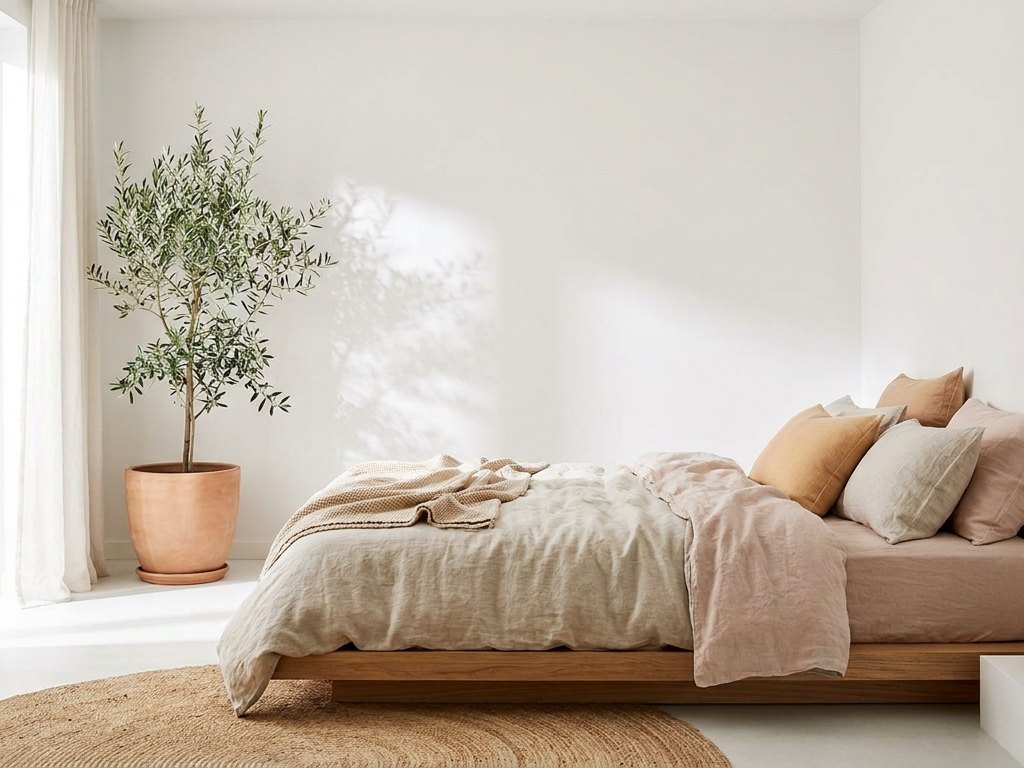
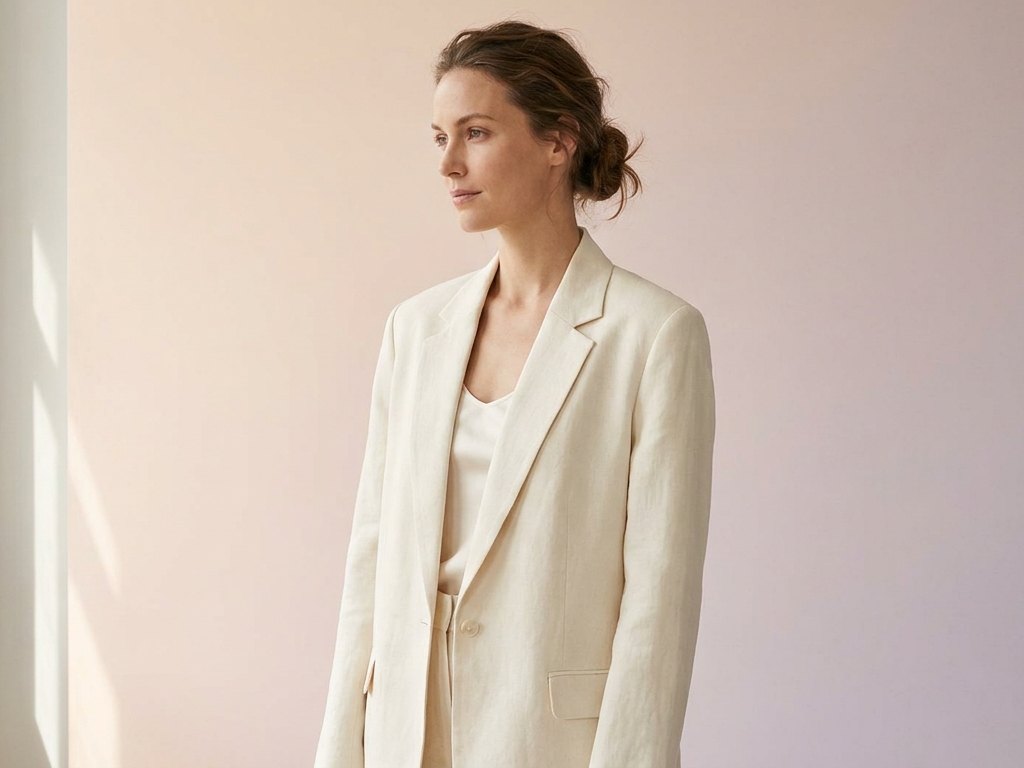
From idea to image in three steps
Describe what you want
Write a short, clear prompt with the subject, setting, and style. Plain words work best.
Pick a style or tool
Choose a look and an aspect ratio, or jump to a tool like the upscaler or background remover.
Download, edit, or upscale
Save the result, refine it with the tools that fit, and publish with confidence.
Get better results, faster
Clear, calm guides on prompting, editing, and using AI images the right way.
How to Write AI Image Prompts
A clear formula for writing AI image prompts that cover subject, setting, style, lighting, camera, and your output goal.
ReadHow Image Upscaling Works
A clear look at how upscaling adds pixels and detail, how AI upscaling beats a plain resize, and when to use 2x, 4x, or 8x.
ReadBest AI Image Aspect Ratios
A practical guide to picking the right aspect ratio by use case, from social posts and stories to wallpapers, blog heroes, and product shots.
ReadWhat Is AI Image Generation?
AI image generation turns a written description into a brand new picture, and this guide explains how it works.
ReadAre AI Generated Images Copyrighted?
AI generated images may or may not be copyrighted, and the answer depends on your country and how much a person shaped the work.
ReadAI Images for Marketing
How marketing teams use AI images for ads, landing pages, and campaigns while keeping brand consistency and checking usage rights.
ReadQuestions and answers
What is img.now?
Who is img.now for?
Can I try img.now for free?
Do I keep the rights to my images?
Do I need to sign up to use img.now?
Explore img.now
More ways to find exactly what you need.
Enjoy your calm AI image workspace
Research, generate, and finish in one flow. Bring any idea to life, effortlessly.
Start creating