
AI image generation for ecommerce
Online stores live and die by the product photo, but a full studio shoot is slow and costs money. img.now creates clean white-background shots and warm lifestyle scenes, removes backgrounds for marketplaces, and exports every listing image at the size each channel wants.
Studio-quality shots without a studio
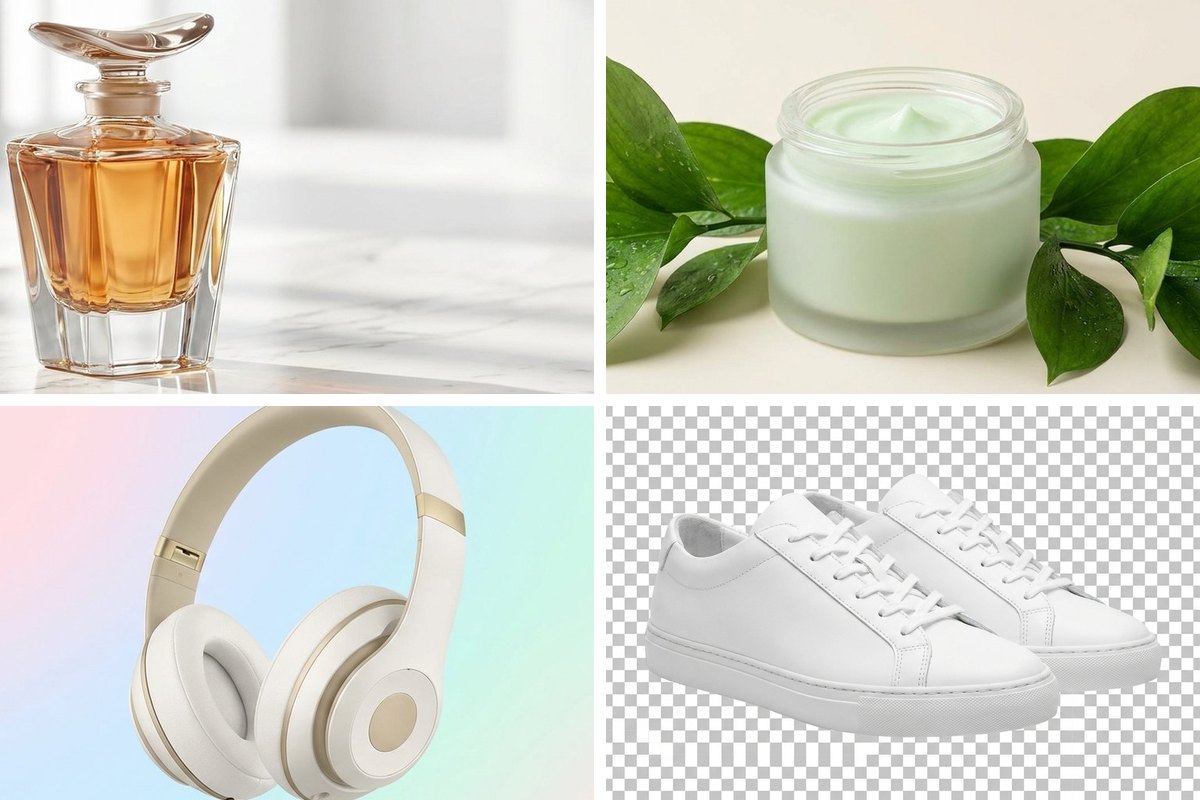
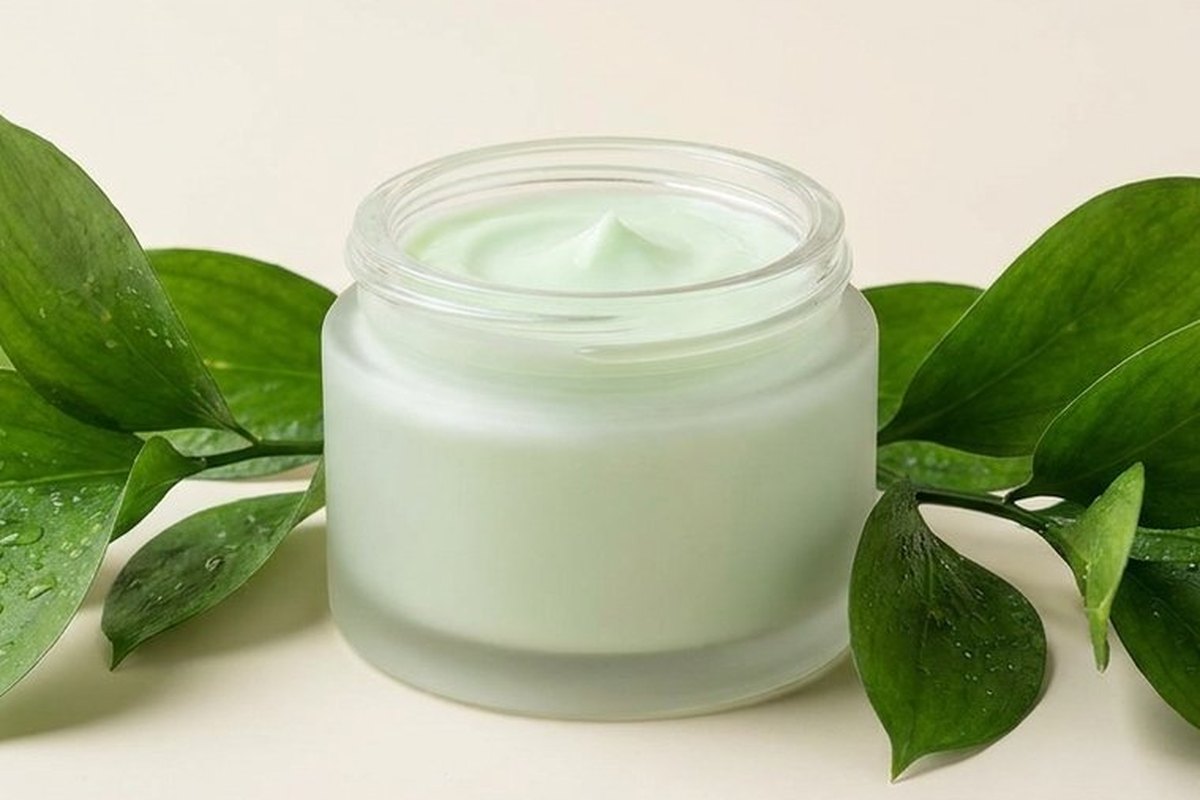
Generate crisp, evenly lit product shots on clean backgrounds, then warm lifestyle scenes that show the same item in context. Fill out a catalogue or test how a product reads in different settings, all before lunch.
- White-background catalogue shots
- Lifestyle scenes that build desire
- Consistent look across a whole range
- Variations to A/B test on the listing
Marketplace-ready in two clicks
Amazon and most marketplaces demand a pure background; social wants something richer. Remove the background to a clean transparent PNG for the listing, then drop the cutout onto a lifestyle scene for ads.
- One-click transparent cutouts
- Resize to each marketplace's spec
- Convert to the exact format required
- Upscale older photos to meet minimums
Listing images, by channel
| Channel | Needs | Tool |
|---|---|---|
| Amazon / marketplace | Pure white background | Remove Background |
| Your storefront | Lifestyle + white | Generate + Crop |
| Instagram shop | Square lifestyle | Generate + Resize |
| Email promo | Lightweight banner | Crop + Compress |
| Print catalogue | High resolution | Upscale |
Cost per image: studio vs. img.now
A simple workflow
Generate the product shot
Describe the item, the surface and the lighting you want.
Cut out or restyle
Remove the background, or place it in a lifestyle scene.
Size for the channel
Resize and convert to each marketplace's spec, then publish.
Questions about AI image generation for ecommerce
Can I use AI product photos on a real store listing?
What aspect ratio works best for product listings?
Can I clean up photos I already took?
Tools for ecommerce
Read the guide: AI Product Photos for Online Stores · Background Removal Guide
More use cases
Make your first image free
No design skills, no studio. Describe what you need and create it in seconds.
Start creating