
AI Image Templates
Start from a proven direction for the kind of image you need, then make it your own in the generator.
Each template is a ready-made starting point with example prompts, recommended styles, and aspect ratios for a specific job, from clean product photos to social posts, logo concepts, interiors, portraits, and wallpapers. Open one to see its prompts and settings, then refine the result in the AI image generator.
“Matte ceramic coffee mug on a white seamless background, soft studio light, faint shadow, centered, sharp focus”
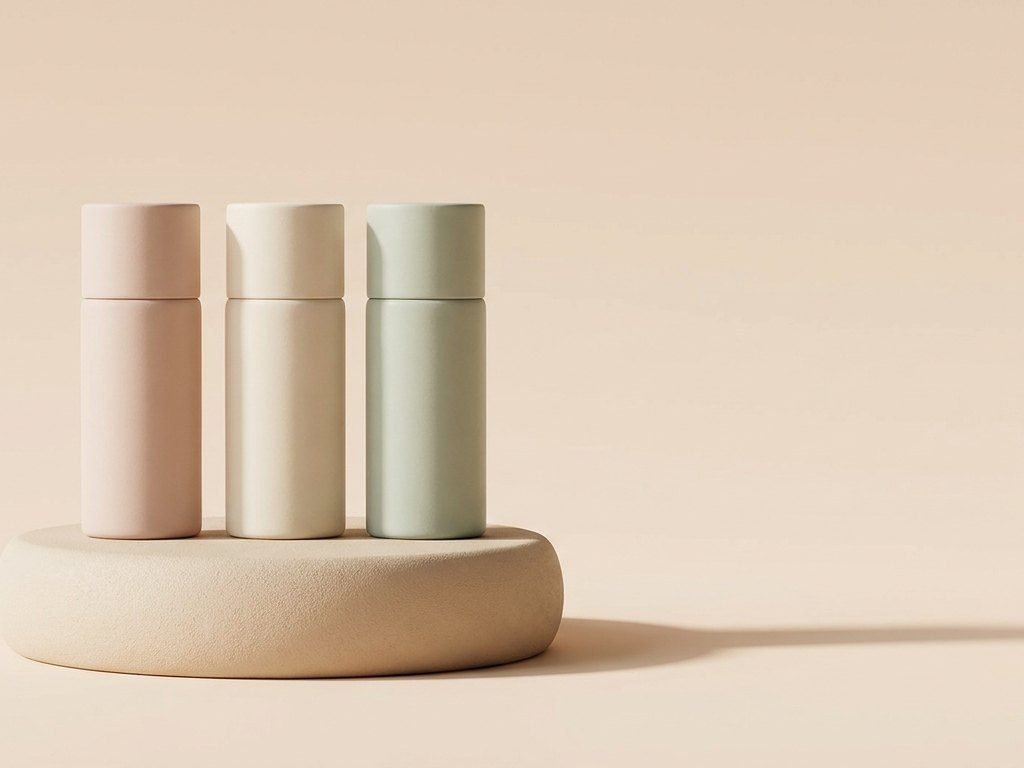
Every template hands you proven prompts, a recommended style, and the right aspect ratio, so you skip the blank page.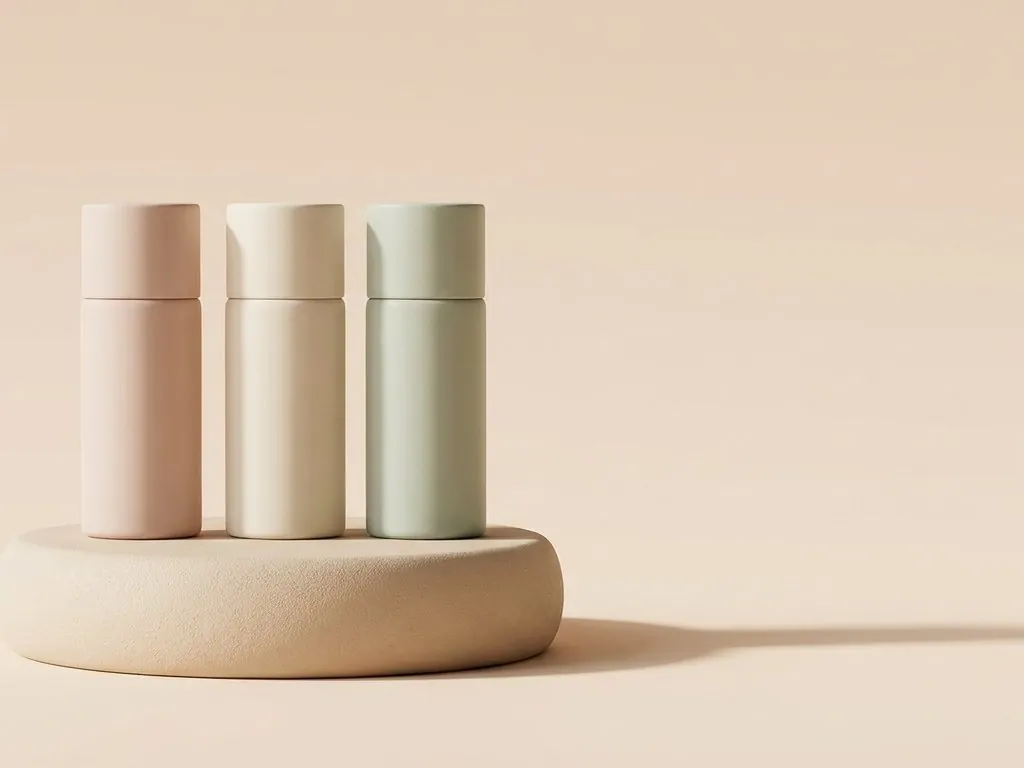 Tweak the subject and details, pick a category below, and refine in the generator.
Template categories
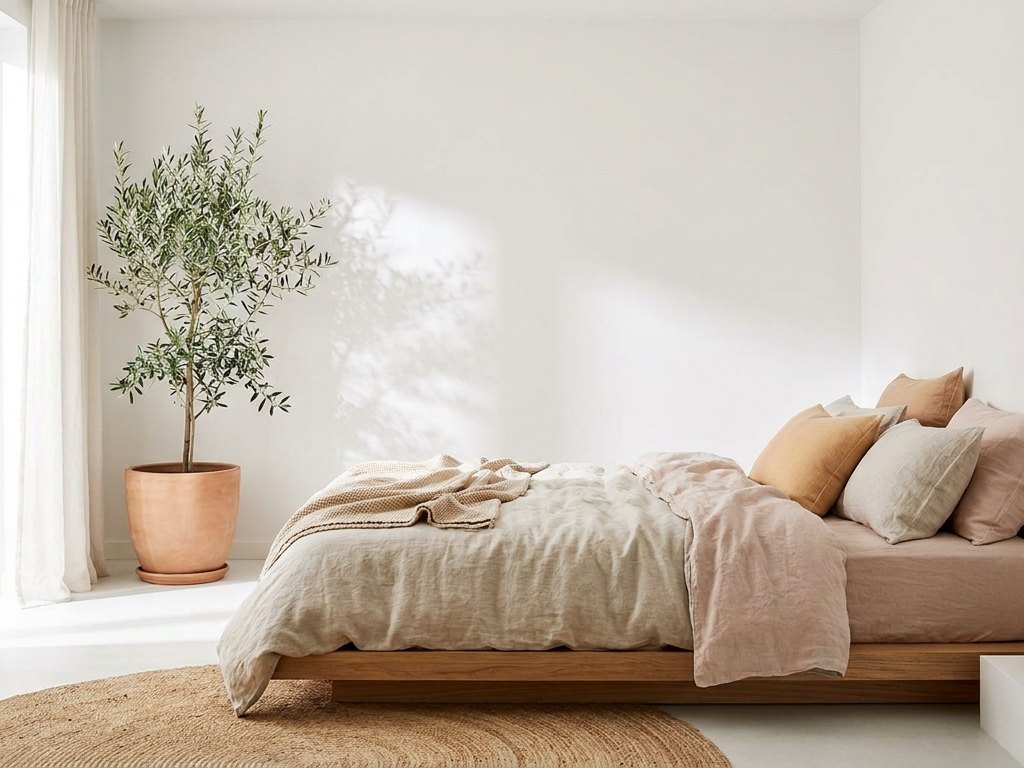
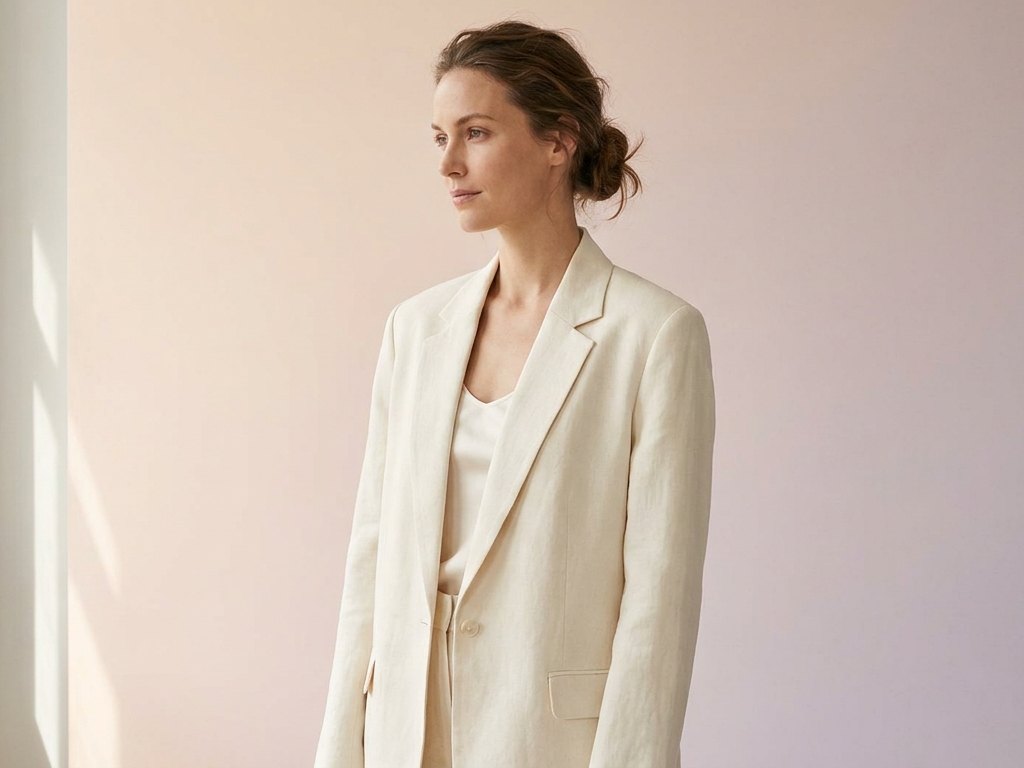
Pick the right template
| Template | Best for | Recommended ratio |
|---|---|---|
| Product photos | Store listings, ads, catalogues | 1:1 / 4:5 |
| Social media | Posts, stories, reels covers | 1:1 / 9:16 |
| Logo concepts | Brand marks & icon ideas | 1:1 |
| Interior design | Room concepts & moodboards | 3:2 / 16:9 |
| Portraits | Avatars, headshots, characters | 4:5 / 1:1 |
| Wallpapers | Desktop & phone backgrounds | 16:9 / 9:16 |
How to use a template
Three steps from a blank page to a finished image.
Pick a category
Choose the template that matches your project, like product photos or social media.
Copy a prompt
Take one of its example prompts into the generator, then change the subject and details to fit your idea.
Refine and export
Adjust the style or ratio, generate, then upscale or clean up the result before you download.
Write better prompts
Guides that help you get more from every template.
How to Write AI Image Prompts
A clear formula for writing AI image prompts that cover subject, setting, style, lighting, camera, and your output goal.
Read editingBest AI Image Aspect Ratios
A practical guide to picking the right aspect ratio by use case, from social posts and stories to wallpapers, blog heroes, and product shots.
Read promptingProduct Photo Prompts That Work
Prompt clean product shots by setting the background, surface, lighting, angle, and lens feel, with white background and lifestyle examples.
ReadQuestions about templates
What is an AI image template?
How do I use a template?
Can I change a template's style?
Are the templates free?
Can I use the images commercially?
Find your starting point
Pick a template, drop in your idea, and make it your own.
Open the generator