
AI Portrait Templates
Create studio-lit character portraits with controlled lighting and a consistent look - For avatars, casting boards, character design or profile images. Describe the person and the light, and the model does the rest.
Make these with AI Avatar Generator
Read next How to Write AI Image Prompts · AI images for Designers
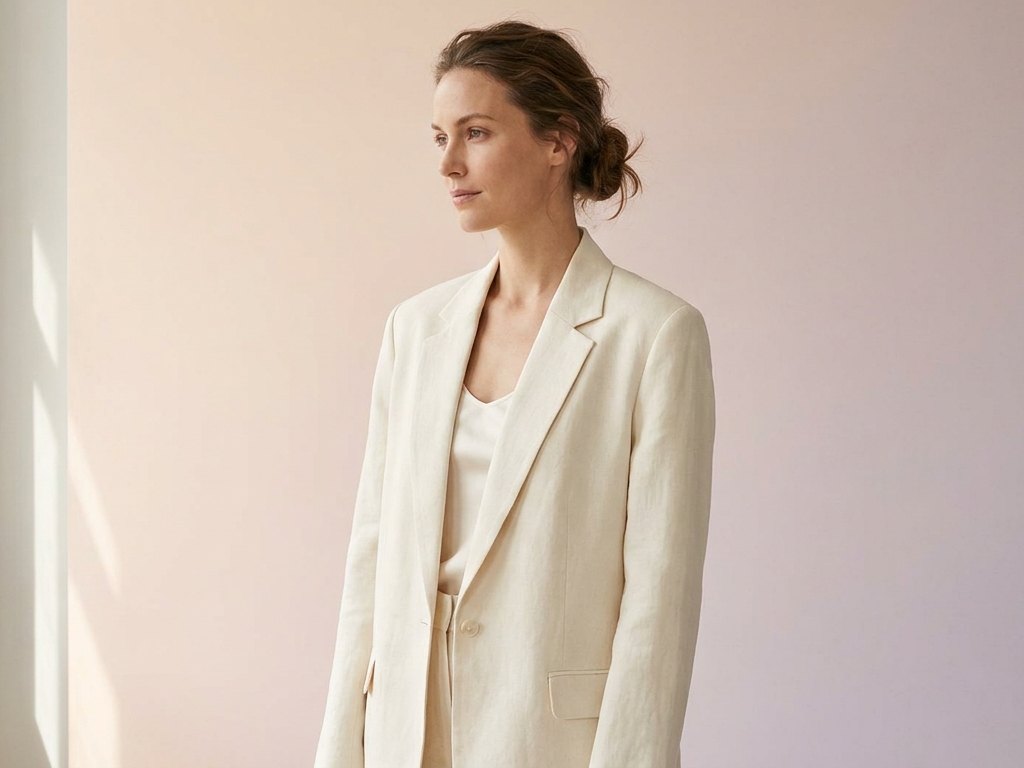
Direct the light
Soft key light, dramatic side light, golden-hour glow - Name the setup and the model lights the portrait to match. Add lens language for a photographic feel, or a style for something painted or stylised.
- Studio, natural or dramatic lighting
- Photographic, painted or 3D styles
- Headshots, half-body or environmental
- A consistent look across a cast
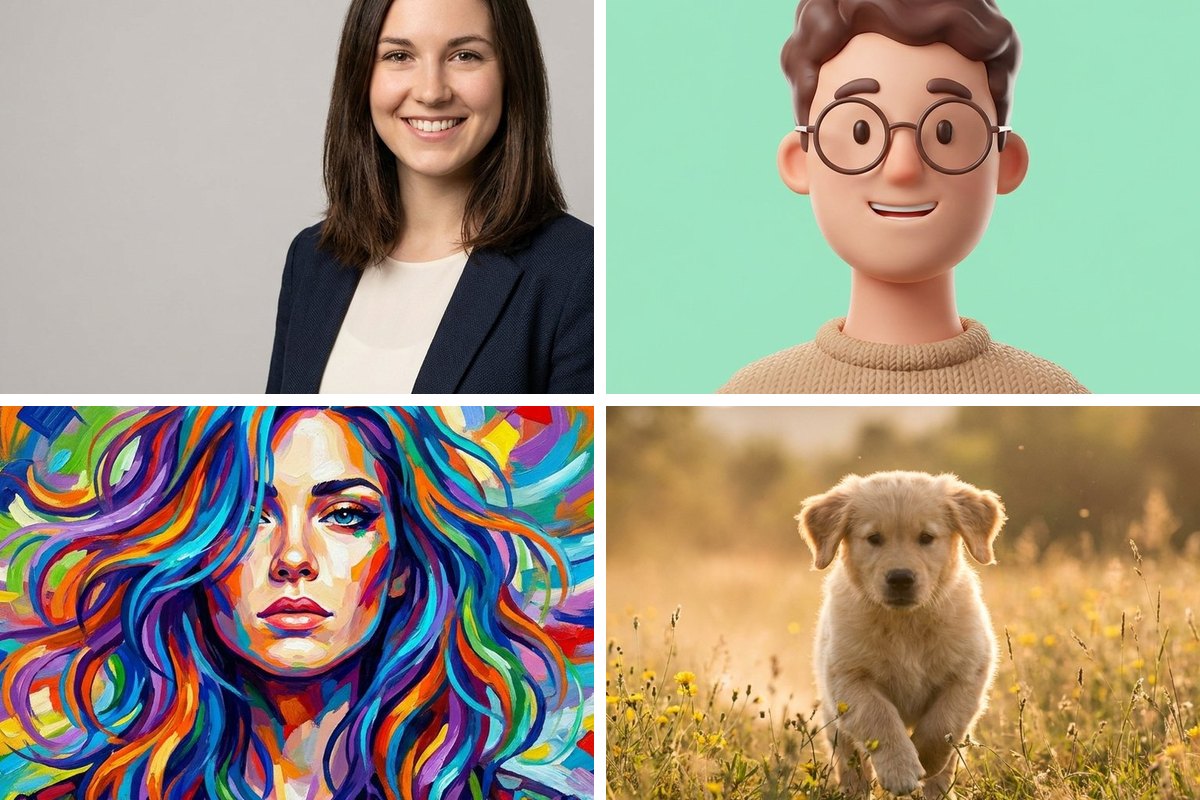
Finish for the use
Crop to a circle for an avatar, upscale for a print or a large display, or remove the background to drop the subject onto a brand colour - The portrait is ready for wherever it is going.
- Circle crop for avatars
- Upscale for print and display
- Background removal for compositing
- Resize for profile specs
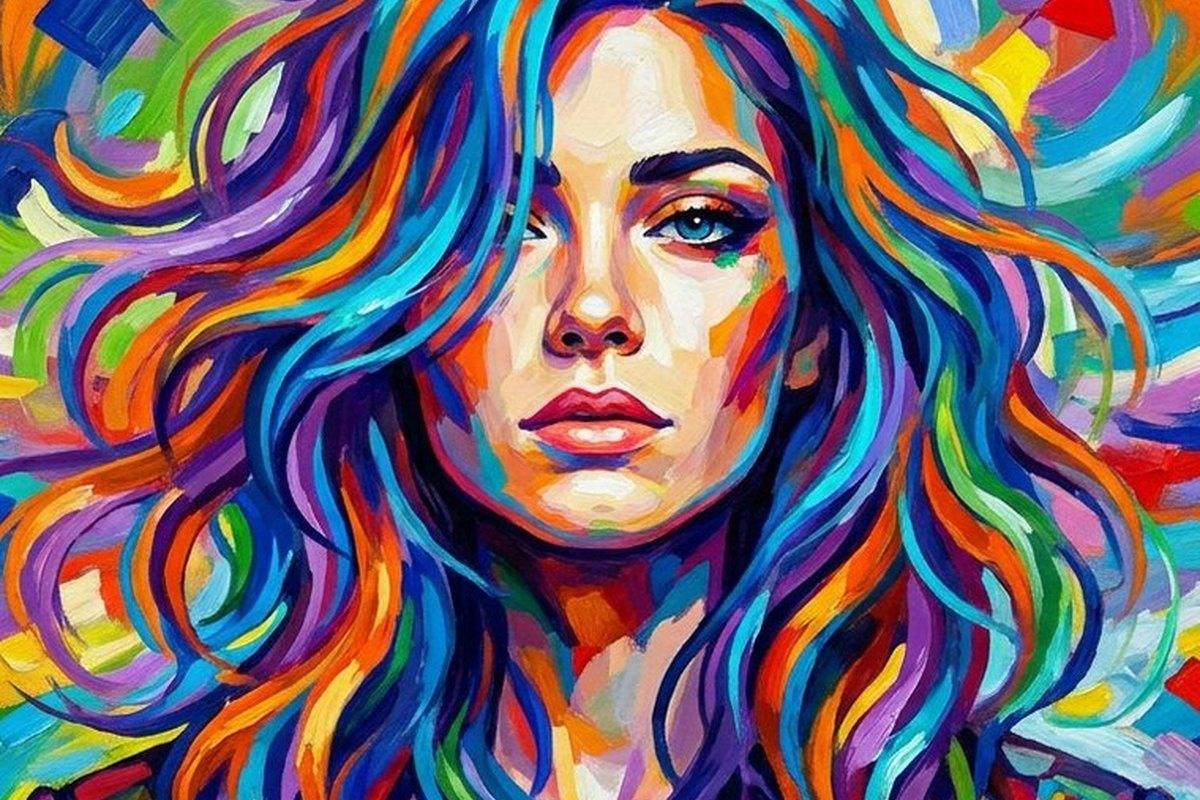
Prompt starters for portraits
Swap the [bracketed] parts for your own subject, then generate.
| Look | Prompt direction |
|---|---|
| Studio headshot | Professional headshot of a [person], [outfit], soft key light, neutral backdrop, 85mm |
| Dramatic | A [person], dramatic side lighting, deep shadows, moody, cinematic close-up |
| Environmental | A [person] in their [workplace], natural window light, candid, shallow depth of field |
| Stylised | A painted portrait of a [person], expressive brush strokes, warm palette |
| Golden hour | A [person] outdoors at golden hour, warm backlight, soft rim light, natural candid expression, 85mm |
| Black & white | A timeless black-and-white portrait of a [person], soft window light, fine detail, classic studio mood |
How to use this template
Describe the subject
Name the person, outfit and lighting.
Generate options
Create a few and pick the best frame.
Finish for the use
Crop, upscale or cut out, then export.
Questions about portraits
How do I control the mood of a portrait?
Can I put a portrait on a transparent or branded background?
Why do faces sometimes look soft or off?
Make it your own
Open the generator with this direction and swap in your subject.
Use this direction