
Improve and finish images
Generating is half the job - finishing is the other half. The same workspace can upscale a small image, sharpen a soft one, cut out a subject, or shrink a file for the web. Learn which tool fixes which problem and your results go from good to publish-ready.

What you will learn
- When to upscale vs. simply resize
- How enhancement sharpens and lifts colour
- Cutting a clean, transparent background
- Picking the right file format and size
Generating is only half the job
The best creators treat the first image as a draft. The same workspace can then enlarge it, sharpen it, cut out the subject or shrink the file - turning a good result into a publish-ready one without ever leaving the page.
Upscaling vs. resizing
This trips a lot of people up. Resizing just stretches the pixels you already have, so an enlarged image turns soft and blocky. Upscaling reconstructs new detail as it grows, keeping edges crisp at 2x, 4x or 8x - the difference is obvious in the slider above. Read how upscaling works for the why.
A finishing workflow that always works
- Soft or flat? Run the Enhancer to sharpen and lift colour. See the enhancement guide.
- Too small for print or a banner? Upscale it.
- Busy background? Remove it for a clean transparent PNG.
- Heading to the web? Pick the right format - PNG vs JPG vs WebP - then compress.
Still blurry after all that? The source may simply be too low quality. Enhancing and upscaling can rebuild plausible detail, but neither can invent detail the original never captured - so start from the largest, cleanest version you have.
Which tool fixes what
| Problem | Reach for |
|---|---|
| Too small / blurry | Image Upscaler |
| Soft, flat or dull | Image Enhancer |
| Busy background | Background Remover |
| Wrong shape | Image Cropper |
| Heavy file | Image Compressor |
Tools for this topic: Image Upscaler, Image Enhancer, Background Remover.
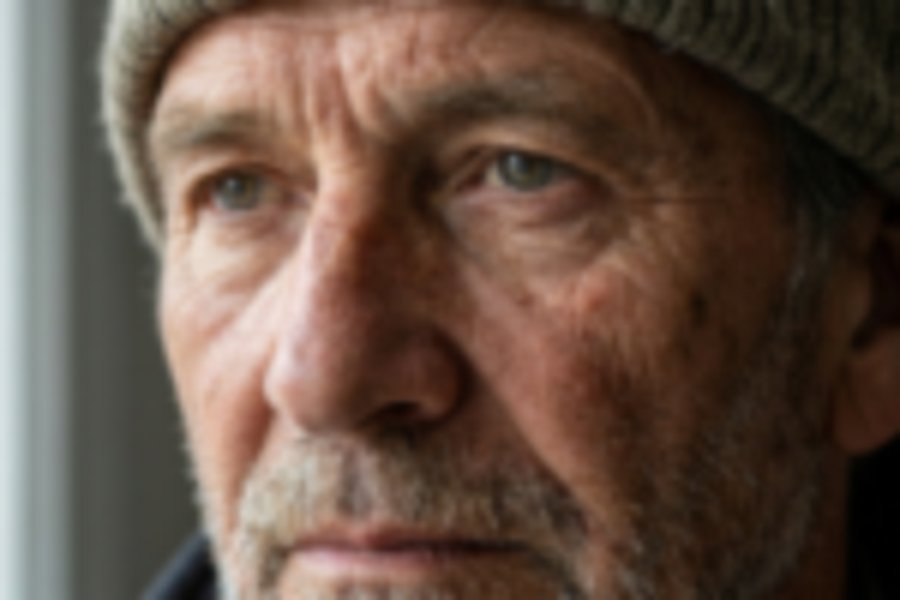
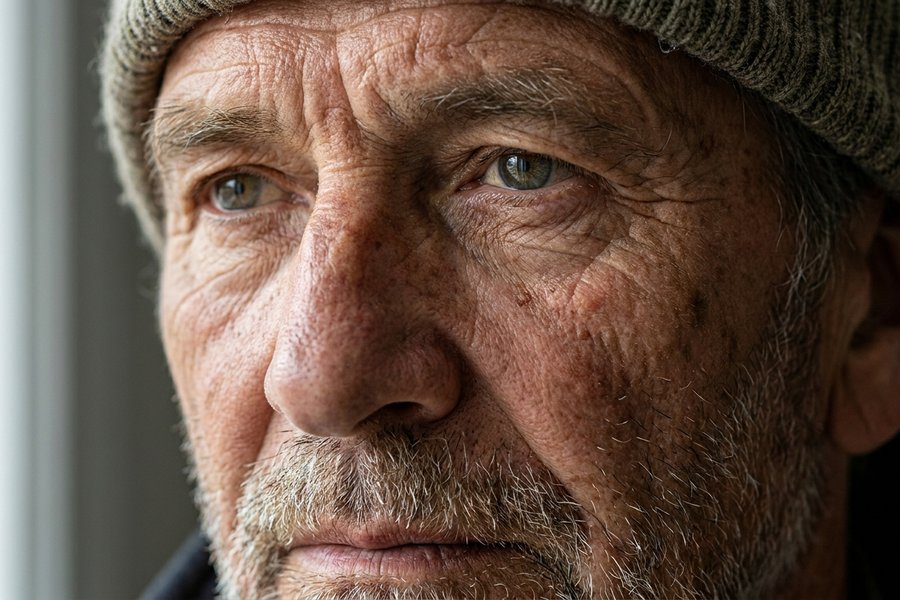 Before
Upscaled 4x
Before
Upscaled 4x
Guides in this topic
AI Image Enhancement Guide
What AI enhancement does to sharpen, de-noise, boost color, and restore face detail, when each step helps, and how it differs from upscaling.
Read editingBackground Removal Guide
How background removal works, how to get clean edges, export a transparent PNG, and replace backgrounds for product and profile images.
Read editingBest AI Image Aspect Ratios
A practical guide to picking the right aspect ratio by use case, from social posts and stories to wallpapers, blog heroes, and product shots.
Read editingHow Image Upscaling Works
A clear look at how upscaling adds pixels and detail, how AI upscaling beats a plain resize, and when to use 2x, 4x, or 8x.
Read editingHow to Fix Bad Results from Your AI Image Generator
A clear, practical img.now guide to how to fix bad results from your ai image generator.
Read editingHow to Make AI Images Without a Watermark
A clear, practical img.now guide to how to make ai images without a watermark.
Read editingHow to Retouch Portrait Photos
A practical portrait retouching workflow for family, children and lifestyle photography - what to fix, what to leave alone, the right order of operations, and which steps AI now handles in one click.
Read editingHow to Upscale AI Generated Images to 4K
A clear, practical img.now guide to how to upscale ai generated images to 4k.
Read editingPNG vs JPG vs WebP
A plain comparison of PNG, JPG, and WebP covering transparency, quality, and file size, with clear advice on when to use each format.
Read editingWhat Is AVIF
AVIF is a next-gen image format built on the AV1 codec that beats JPG and WebP on file size while adding transparency and HDR.
Read editingWhat Is HEIC
HEIC is Apple's space-saving photo format used by iPhones, and this guide explains why it saves space and how to convert it for sharing.
Read editingWhat Is WebP
A plain guide to WebP, the modern image format that combines small file sizes with transparency and animation support for the web.
ReadOther topics
Put it into practice
Open the generator and create an image with what you just learned - Or grab a ready prompt from the prompt guide.
Open the generator