
AI Alt Text Generator
The AI Alt Text Generator produces accurate alt text, a caption and keyword tags for any image in seconds. Upload a photo and it describes the content for accessibility and SEO, ready to copy into your CMS, HTML or social post.
- Output
- Alt text, caption, keyword tags
- Best for
- Accessibility and SEO
- Input formats
- JPG, PNG, WebP and other common images
- Max upload
- 16 MB
- Cost
- A few credits per run
- Free plan
- 100 credits per month
Drop an image or browse
PNG or JPG, up to 16 MB
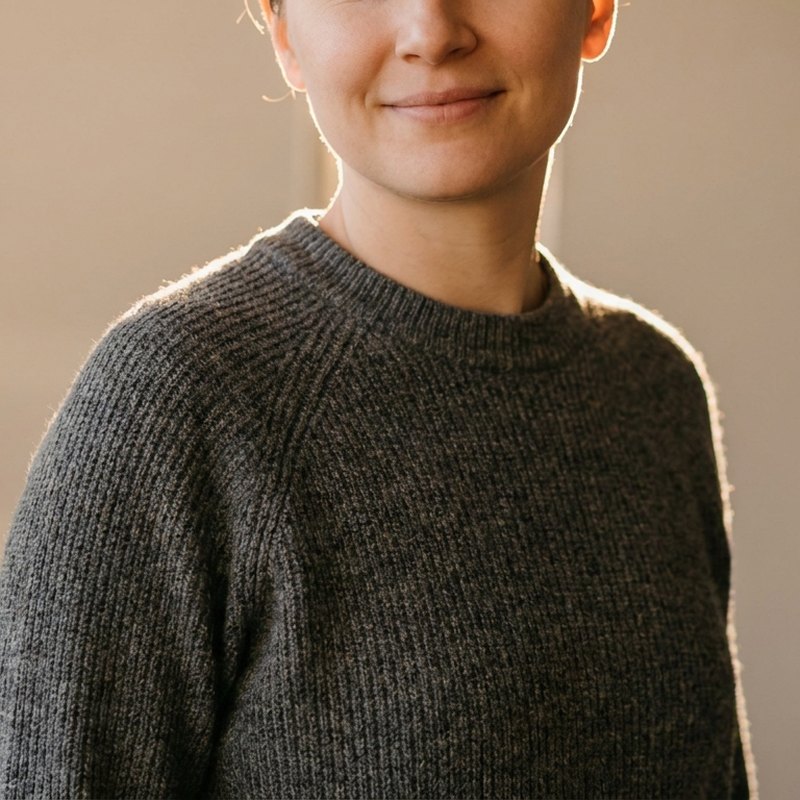 Before
After
Before
After
See what the ai alt text generator can do
Any image becomes accurate alt text, a caption and keyword tags.


Three simple steps
Upload an image
Drop in a photo, product shot, screenshot or illustration you need described.
Generate the description
AI reads the image and writes concise alt text, a natural caption and a set of keyword tags.
Copy and use
Paste the alt text into your CMS, the caption into a post, and the tags wherever you organize images.
What the alt text generator does
This tool looks at an image and writes the words that describe it: concise alt text for accessibility and SEO, a natural caption for posts and pages, and a set of keyword tags for organizing and searching your library. It is the same image-understanding step behind image to text, focused on describing a picture rather than reading printed words from it. Instead of writing alt text by hand for every image, you upload, generate and copy.
What you get from every image
- Alt text: a short, factual description for the
altattribute - what screen readers announce and search engines read. - A caption: a natural, readable sentence to display alongside the image.
- Keyword tags: relevant terms to label, group and find the image later.
Where alt text and captions help
Accessible alt text means people using screen readers understand your images, which is also a legal requirement in many places. For search, descriptive alt text gives crawlers context they cannot get from pixels, helping images surface in results. And for large libraries, consistent tags make everything findable. It is useful across blogs, online stores, documentation and social media - including images you make with the AI image generator.
Tips for the most accurate descriptions
Upload a clear, well-lit image so the model can read the scene. Review the output before publishing - keep alt text specific and honest rather than keyword-stuffed, and trim it to the detail that matters. For images carrying important printed text, run image to text as well to capture the words exactly. Using AI images responsibly, including how you describe them, is covered in our AI image safety guide.
Related guides
AI Image Safety Guide
A plain guide to responsible AI image use, what not to create, how to spot unsafe requests, and how to report problems.
AI Images for Social Media
Size AI images per platform, keep a consistent look, batch posts and stories, and follow a simple weekly social workflow.
AI Images for Marketing
How marketing teams use AI images for ads, landing pages, and campaigns while keeping brand consistency and checking usage rights.