
AI Logo Templates & Concept Ideas
Explore brand directions fast. Generate a wall of logo and mark concepts to react to, find a direction you love, then refine it - All before you commit hours to a single comp. Great for naming a direction, not for a final trademarked mark.
Make these with Logo Concept Generator
Read next How to Write AI Image Prompts · AI images for Designers
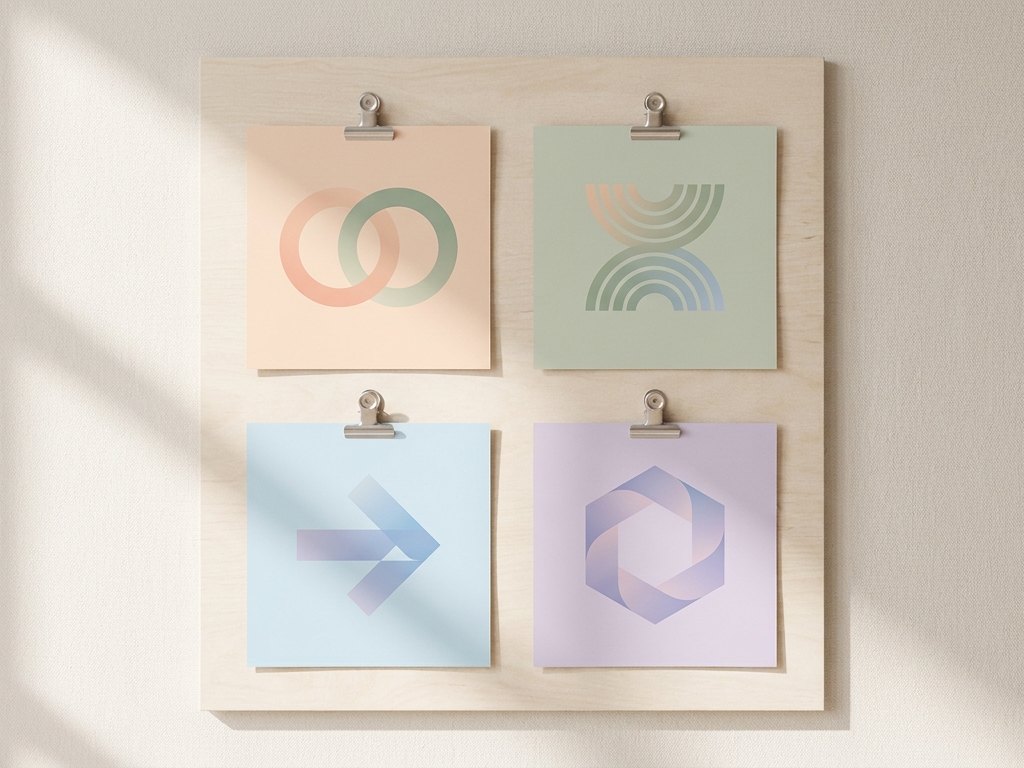
Concepts to react to
Generate a set of marks in different styles - Minimal, emblem, playful, geometric - And quickly see which direction fits the brand. It is the fastest way to move from a blank page to a shortlist you can refine.
- Minimal marks and monograms
- Vintage emblems and badges
- Playful icon-led concepts
- Single-colour, flat vector looks
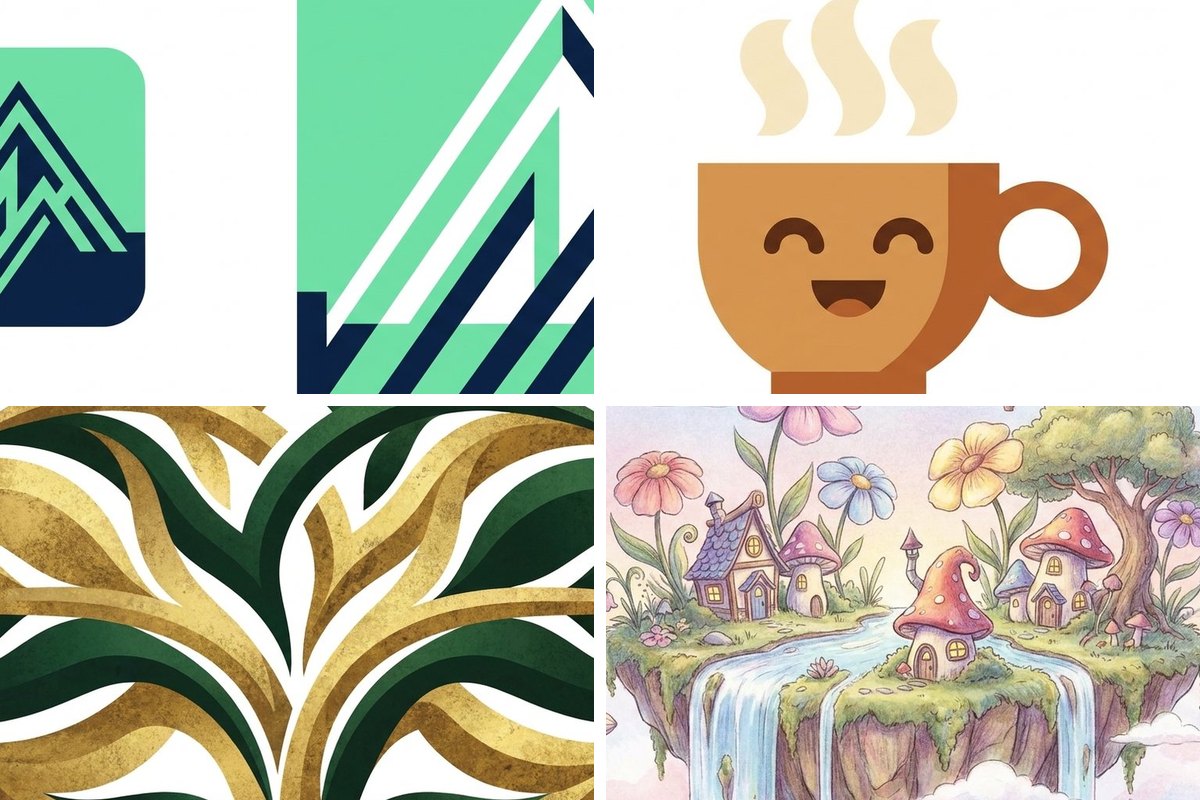
From concept to usable asset
Once a direction lands, clean it up: remove the background for a transparent PNG, upscale it for print, or convert it to the format your design tool needs. Treat these as concepts to build on, not final trademarks.
- Transparent PNG export
- Upscale for print resolution
- Convert to the format you need
- A starting point for a designer
Prompt starters for logos
Swap the [bracketed] parts for your own subject, then generate.
| Style | Prompt direction |
|---|---|
| Minimal mark | A clean minimal logo mark of a [symbol], single colour, flat vector, white background |
| Emblem | A circular emblem badge for [brand], [symbol] centre, vintage line work, two-colour |
| Monogram | A monogram logo of the letters [XY], geometric, balanced, modern, flat |
| Playful | A friendly mascot logo of a [character], rounded shapes, bright [colour] palette |
| Lettermark | A bold lettermark logo using the initials [XY], strong geometric type, single colour, white background |
| Abstract | An abstract logo symbol suggesting [concept], one simple flowing shape, two-colour, scalable flat vector |
How to use this template
Describe the brand
Name the symbol, style and colours.
Generate a shortlist
Create several and pick a direction.
Refine and export
Clean up, upscale and export as PNG.
Questions about logos
Are these logos safe to trademark and use commercially?
Why do my logo results look too busy?
Can I get a transparent version of my logo concept?


Make it your own
Open the generator with this direction and swap in your subject.
Use this direction