
AI Image Use Cases
See how real teams use img.now to make images faster - with a clear workflow, the right prompts and the right tools for each job.
Who uses img.now
Marketing teams
Produce on-brand campaign images without a full studio.
See the playbook
Ecommerce
Clean product shots and lifestyle scenes for listings.
See the playbook
Social media
Daily post, story and ad images sized for every platform.
See the playbook
Designers
Fast concepts, moodboards and reference frames to build on.
See the playbook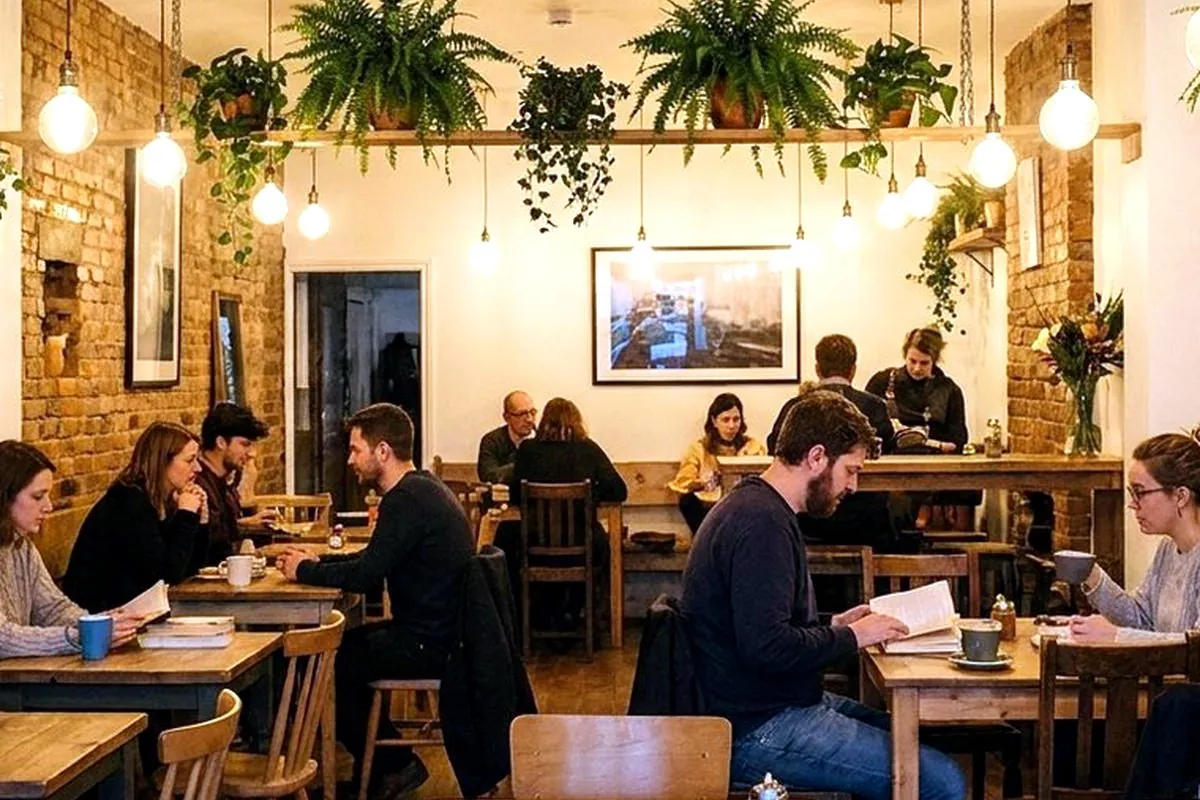
Bloggers
Original hero images and inline visuals for every post.
See the playbook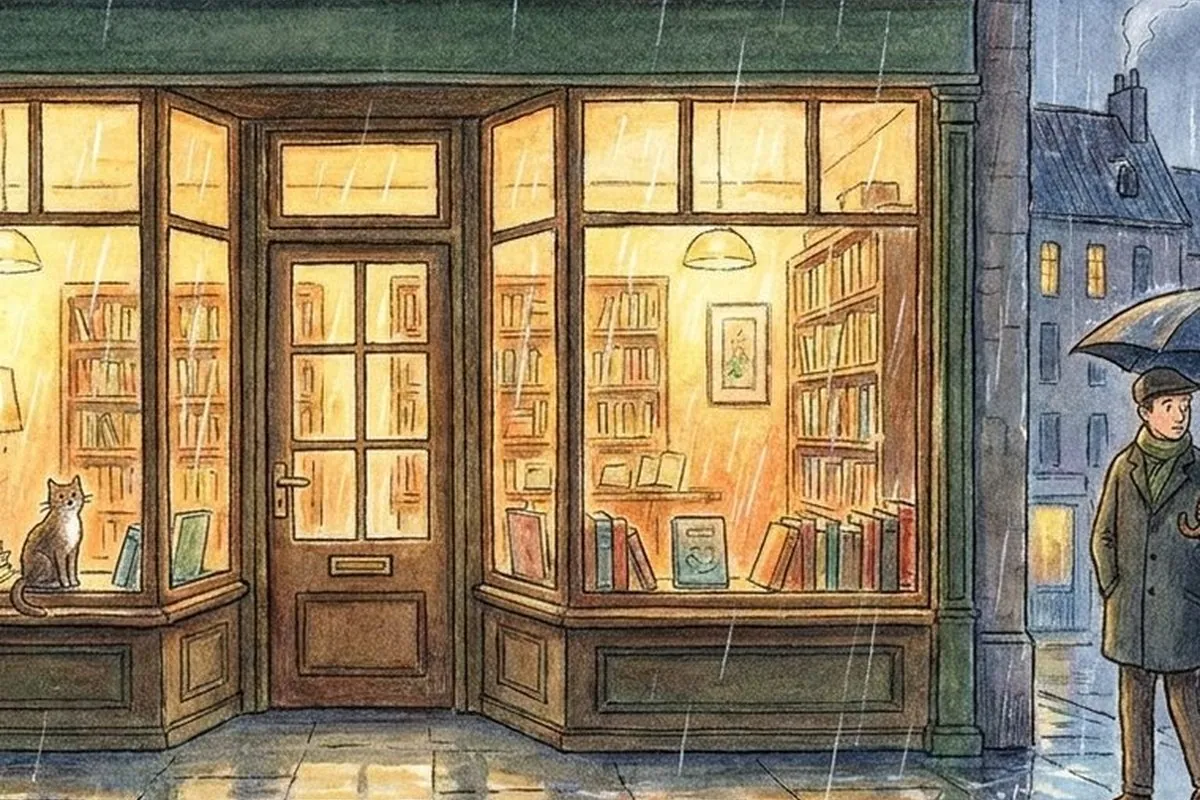
Students
Clear visuals for projects, slides and study notes.
See the playbookWhat each audience makes
| Audience | What they make | Key tool |
|---|---|---|
| Marketing | Campaign & ad visuals | Generator |
| Ecommerce | Product & lifestyle shots | Remove BG |
| Social media | Posts, stories, ads | Resize |
| Designers | Concepts & moodboards | Image to image |
| Bloggers | Hero & inline images | Compress |
| Students | Slides & report visuals | Image to text |
Time saved vs. the traditional way
Why creators reach for AI images
Good visuals used to mean a photographer, a stock-photo budget, or hours in an editor. AI image tools collapse that into minutes: you describe what you need, generate it, and finish it in the same place. The result is more on-brand images, made more often, by smaller teams.
The use cases above are the patterns we see most - each pairs a goal with the right starting point. The tools and templates are the building blocks; the use-case guides in Learn explain the ideas, and the playbooks above show how to put them together for your role.
Guides for your work
Practical reads on using AI images for real projects.
AI Images for Marketing
How marketing teams use AI images for ads, landing pages, and campaigns while keeping brand consistency and checking usage rights.
Read use casesAI Images for Social Media
Size AI images per platform, keep a consistent look, batch posts and stories, and follow a simple weekly social workflow.
Read use casesAI Product Photos for Online Stores
Make clean product shots and lifestyle mockups without a studio, and learn when AI photos work well and when you still need real photos.
ReadQuestions about using AI images
How do creators use AI images day to day?
Do I need design skills to get good results?
Which tools fit my use case?
Can I keep a consistent look across many images?
Can I use the images commercially?
Start with your use case
Pick the workflow that matches your work and make your first image today.
Start creating