
Image Expander (Uncrop)
The Image Expander (Uncrop) extends a photo beyond its original borders so you can change aspect ratio without cropping the subject. Upload an image, choose how to grow it, and AI fills the new area to match the scene. Great for reframing to a different format.
- What it does
- Uncrop / outpaint to new aspect ratio
- Input formats
- JPG, PNG, WebP and other common images
- Max upload
- 16 MB
- Output
- Expanded image, downloadable
- Cost
- A few credits per run
- Rights
- Results are CC0
Drop an image or browse
PNG or JPG, up to 16 MB
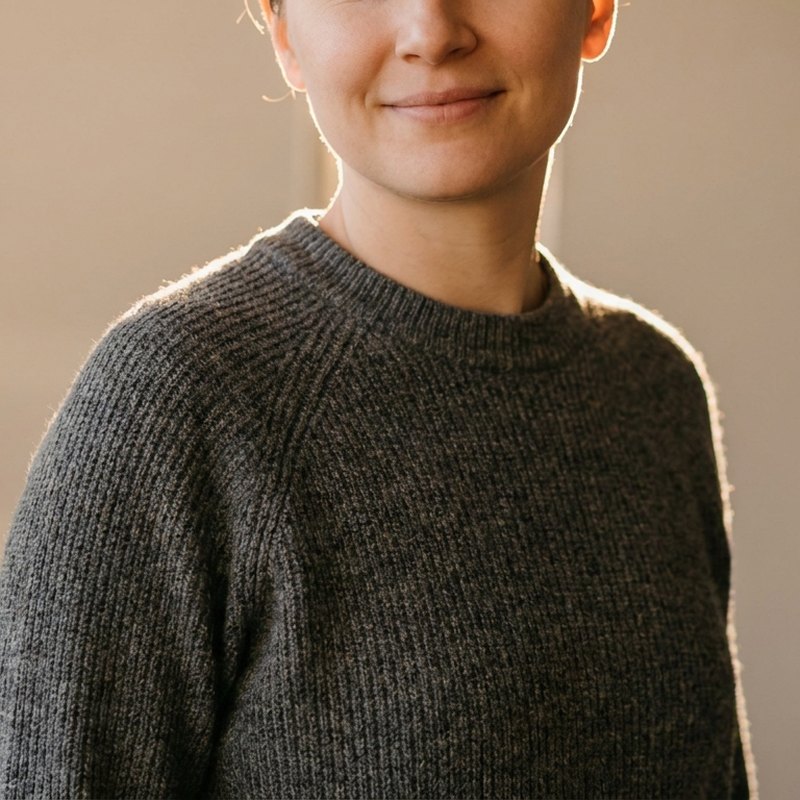 Before
After
Before
After
See what the image expander (uncrop) can do
Drag to compare: the canvas grows and the new space is filled in to match.

 Original frame
Expanded
Original frame
Expanded
Three simple steps
Upload your image
Drop in a JPG, PNG or WebP up to 16 MB.
Pick a direction
Extend the canvas on all sides, make it wider or taller, or push out a single edge.
Download the expanded image
Run it and save a larger frame that fits where the original was too tight.
Convert your result
Need the finished image in another format? Convert it in the same workspace.
Add space around a photo instead of cutting it
Sometimes the problem is not that there is too much in the frame, but too little. A square photo will not fill a wide hero banner. A portrait leaves no room for a headline. A subject sits awkwardly against the edge. Expanding - Also called uncropping or outpainting - Grows the canvas and fills the new area so the image fits its new home.
Control where it grows
- All sides - Add an even margin around the whole image.
- Wider or taller - Change the aspect ratio toward landscape or portrait.
- A single edge - Push out the left, right, top or bottom only, for headroom or copy space.
What it does well - And where to be realistic
img.now extends the canvas by mirroring and blending the existing edges, which looks seamless on open backgrounds: skies, water, walls, gradients and texture. Busy or highly detailed edges are harder to invent convincingly, so expand a little at a time for the cleanest result. Pair it with the cropper and resizer to get an image to the exact shape and size you need. Expanding the canvas is one form of generative fill; to erase an object and fill the gap instead, use the object remover. Every expanded image is saved in your img.now workspace.
Related guides
AI Image Prompt Structure
Break an AI image prompt into clear parts and see how order and detail change the picture you get back.
Product Photo Prompts That Work
Prompt clean product shots by setting the background, surface, lighting, angle, and lens feel, with white background and lifestyle examples.
Text to Image: A Simple Guide
A clear walkthrough of turning a written description into an image, from prompt to style to ratio to refining the result.