
AI Product Photo Templates
Sell more with clean, consistent product imagery - No studio, no photographer, no shipping samples to a set. Describe the product and the look you want, and generate catalogue shots, lifestyle scenes and marketplace-ready cutouts in minutes.
Make these with Product Photo Generator
Read next AI Product Photos for Online Stores · AI images for Ecommerce
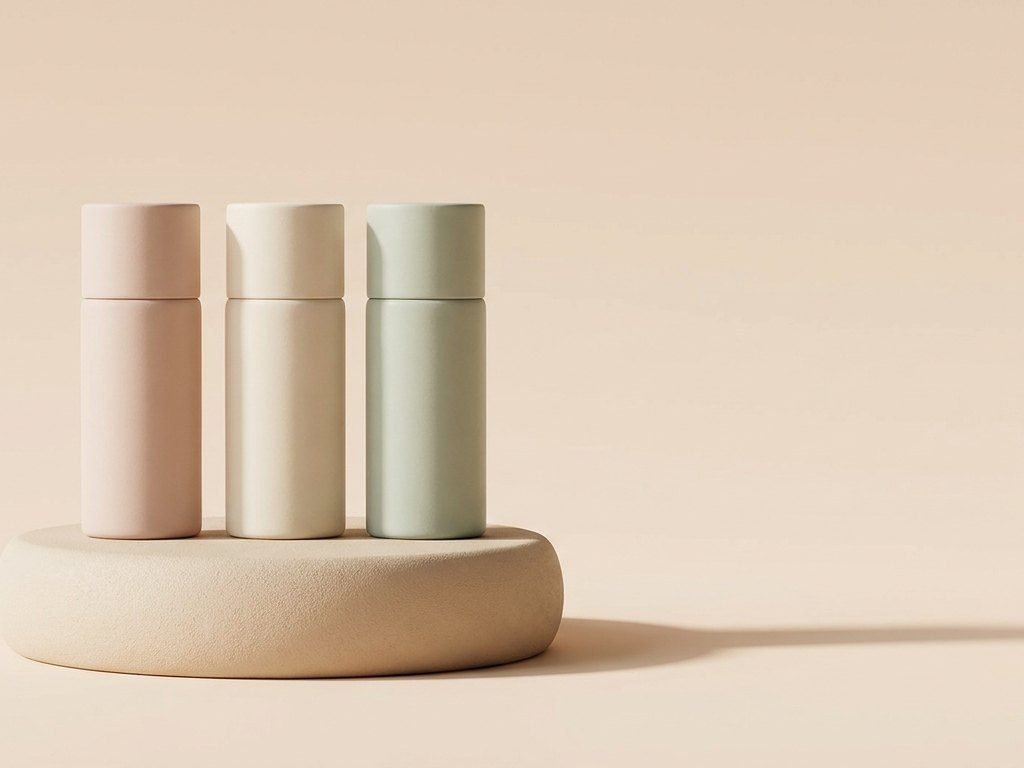
Studio quality without the studio
Generate crisp, evenly lit shots on a clean background, then warm lifestyle scenes that show the same item in use. Build a whole catalogue with one consistent look, or test how a product reads in different settings before you commit to a real shoot.
- White-background catalogue shots
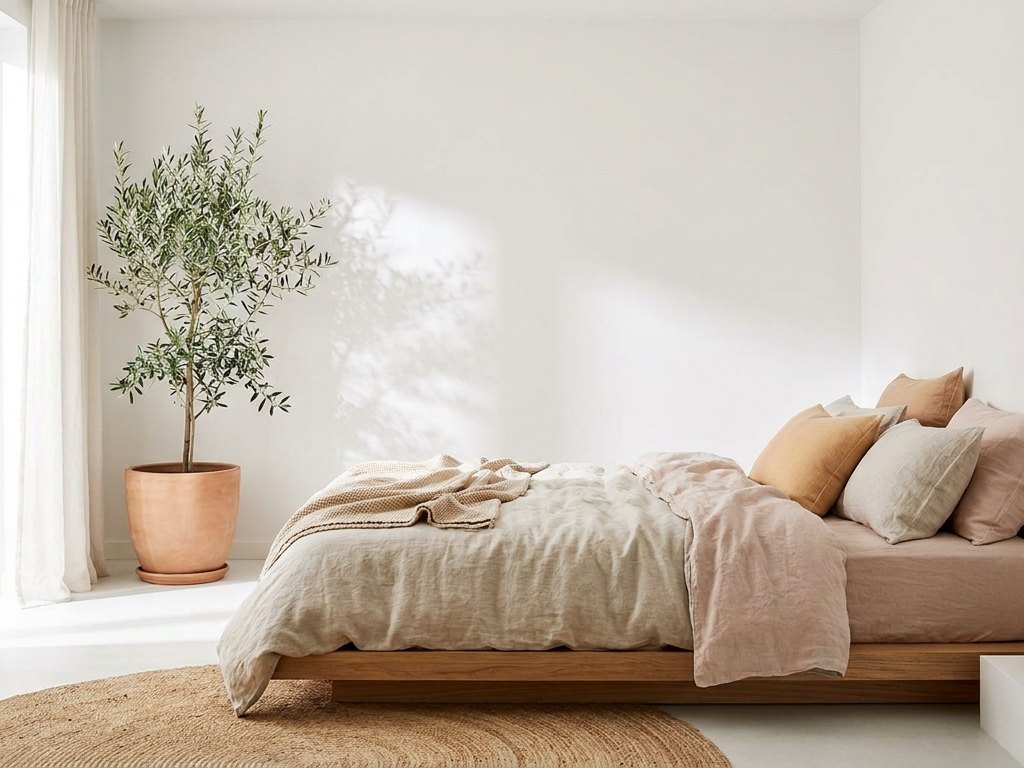
- Lifestyle and in-context scenes
- Consistent look across a range
- Variations to A/B test on a listing
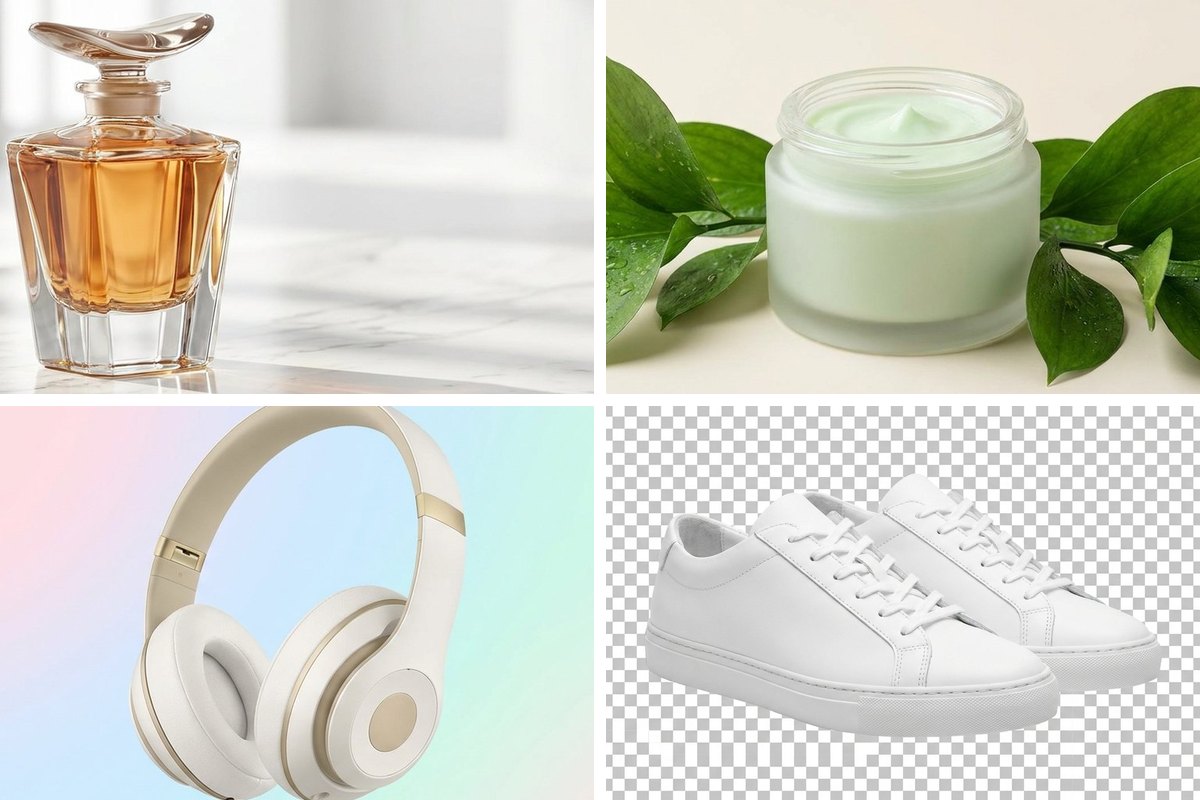
Ready for every channel
Marketplaces want a pure background; social wants something richer. Generate once, then remove the background for a clean cutout, crop to the right shape and resize to each channel's spec - All in the same workspace.
- One-click transparent cutouts
- Square, story and wide crops
- Upscale older shots to meet minimums
- Convert to the exact format required
Prompt starters for product shots
Swap the [bracketed] parts for your own subject, then generate.
| Goal | Prompt direction |
|---|---|
| Clean catalogue | A [product] on a seamless white background, soft studio lighting, minimal shadow, sharp focus |
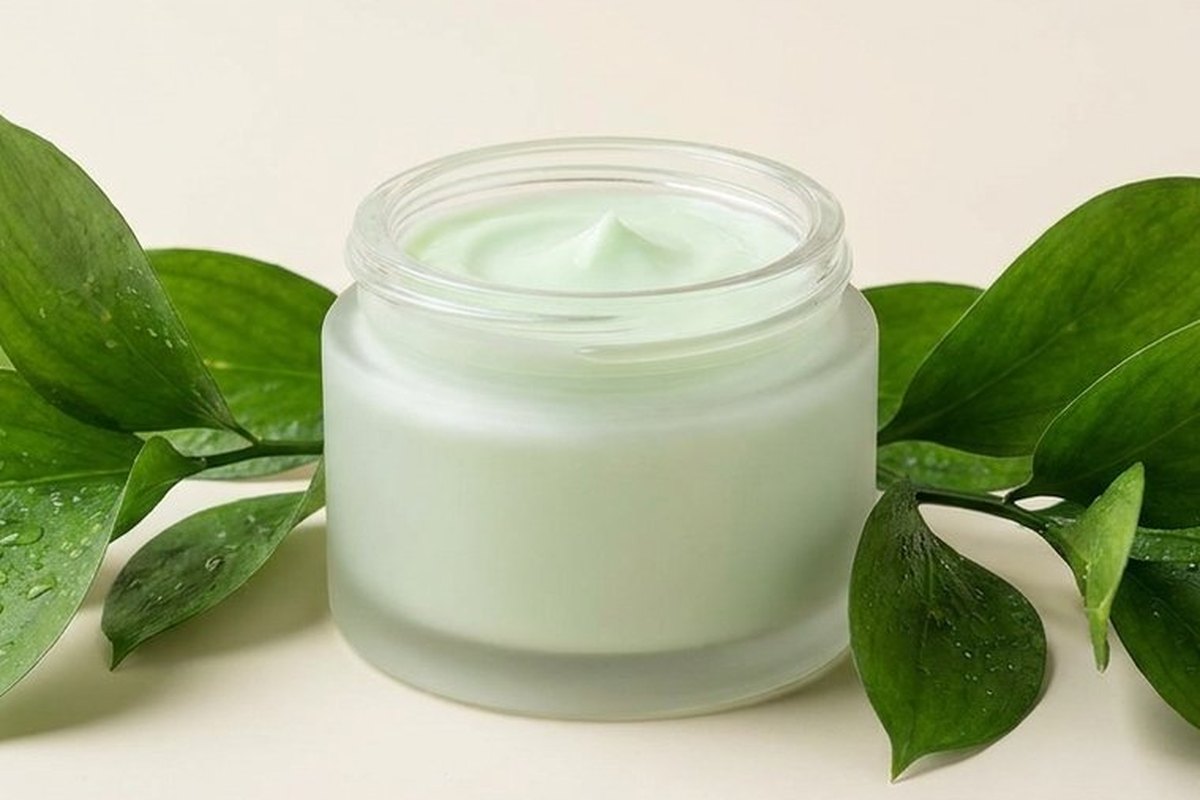
| Lifestyle | A [product] on a [surface] in a sunlit room with [props], shallow depth of field |
| Premium hero | A [product] floating on a smooth [colour] gradient, soft reflection, premium feel |
| Flat lay | A top-down flat lay of [product] with [accessories] on a [colour] background |
| Detail / macro | A close-up macro shot of a [product] showing texture and material, soft directional light, shallow depth of field |
| On-model / in-use | A [product] being used by a person in a [setting], natural light, candid lifestyle, sharp focus on the product |
How to use this template
Describe the product
Name the item, surface and lighting you want.
Generate options
Make a few and pick the strongest shot.
Finish for the channel
Cut out, crop, resize and export.
Questions about product photos
Can I use these product images on Amazon or Etsy?
How do I keep my product looking the same across photos?
What size should I export product photos at?
Make it your own
Open the generator with this direction and swap in your subject.
Use this direction