
Image Cropper
The Image Cropper trims an image to any aspect ratio, including square, portrait, wide or story, or cuts a clean circle. Upload a photo, choose the ratio or shape, and download the cropped result sized for where you'll use it.
- Ratios
- Square, portrait, wide, story
- Shapes
- Rectangle crop or circle cut
- Input formats
- PNG, JPG, WebP and other common images
- Max upload
- 16 MB
- Cost
- A few credits per run (10)
- Free plan
- 100 credits per month
Drop an image or browse
PNG or JPG, up to 16 MB
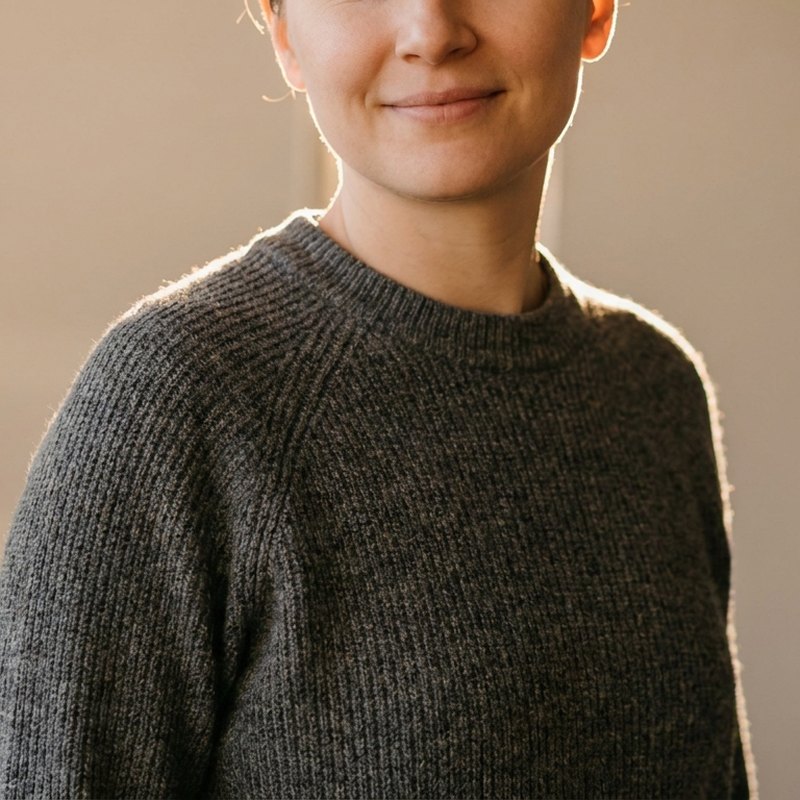 Before
After
Before
After
See what the image cropper can do
One image, cropped to the shapes you actually need.


Three simple steps
Upload your image
Drop in a JPG, PNG or WebP up to 16 MB.
Choose how to crop
Drag a freeform box exactly where you want it, pick a ratio such as 1:1, 4:5, 16:9 or 9:16, or choose Circle.
Download the crop
Run it and save the cropped image, ready to post or place. Circle crops export as a transparent PNG.
Convert your result
Need the finished image in another format? Convert it in the same workspace.
Crop a photo to the right shape
Cropping removes the parts of an image you do not want, changing both its framing and its shape. Tighten in on a subject, cut a banner to a wide strip, square a photo for a profile grid, or round it off for an avatar. It is one of the most-used edits because almost every platform wants a specific shape.
Three ways to crop in img.now
- Freeform - Drag a box anywhere on the image and pull the corners to size it exactly. Best when you want precise control over what stays in frame.
- Aspect ratio - Lock to 1:1, 4:5, 3:2, 16:9 or 9:16 and img.now takes a centred crop at that exact proportion, so it fits the destination perfectly.
- Circle - Cut a clean circular crop on a transparent background, ideal for profile pictures and badges.
Crop, then resize
Cropping sets the shape; resizing sets the exact pixels. A common flow is to crop to 1:1, then resize to 1080x1080 for Instagram, then compress for a fast upload. Every crop runs in your img.now workspace and is saved to your files, so the original stays safe while you experiment with different shapes.
Need another format afterwards? Browse all file converters. For a ready-sized 1280x720 video thumbnail, the YouTube thumbnail maker crops and adds a bold title in one step.
Related guides
AI Image Prompt Structure
Break an AI image prompt into clear parts and see how order and detail change the picture you get back.
Product Photo Prompts That Work
Prompt clean product shots by setting the background, surface, lighting, angle, and lens feel, with white background and lifestyle examples.
Text to Image: A Simple Guide
A clear walkthrough of turning a written description into an image, from prompt to style to ratio to refining the result.