
Convert BMP to WebP Online
Need to turn a BMP file into WebP? BMP is an old Windows bitmap that stores pixels uncompressed. Files are large because nothing is compressed, but it is dead simple and lossless, which is why it still shows up in legacy Windows tools. WebP is a modern format from Google that compresses far better than JPG or PNG at the same quality. It supports both lossy and lossless modes, transparency and animation, which makes it the format of choice for fast-loading websites. Converting from BMP to WebP bridges the two: you keep the picture, but in a format that fits where you are taking it.
Drop a BMP file or browse
Up to 16 MB

Create a free account to convert and save your files.
Why convert BMP to WebP?
People convert BMP to WebP when they need wider compatibility or a better fit for the job: WebP adds transparency support; WebP loads faster with better compression. img.now keeps the full resolution and uses high-quality encoding so the result stays sharp.
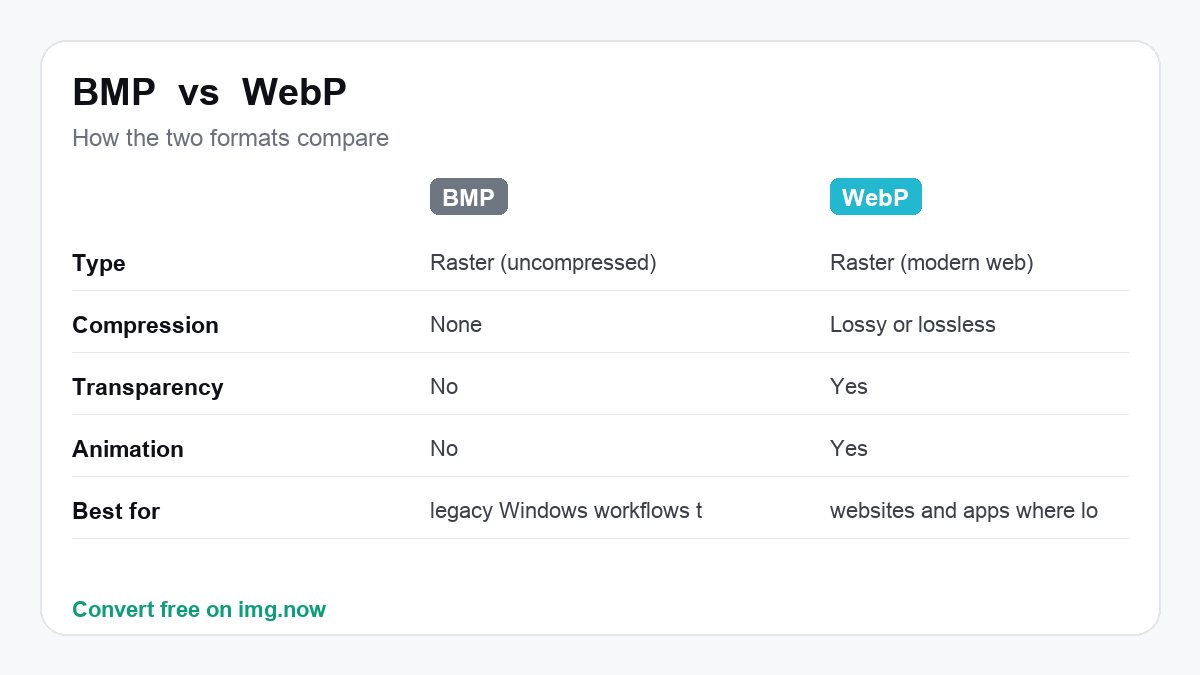
| BMP | WebP | |
|---|---|---|
| Type | Raster (uncompressed) | Raster (modern web) |
| Compression | None | Lossy or lossless |
| Transparency | No | Yes |
| Animation | No | Yes |
What to expect converting BMP to WebP
WebP slashes the size enormously compared to uncompressed BMP, with lossless or lossy options.
Lossless WebP keeps pixels exact while compressing hard; lossy mode shrinks further with minor quality trade-offs.
You want a tiny, web-ready version of a heavy BMP.
You need maximum legacy compatibility that only the original BMP guarantees.
About BMP and WebP
BMP
BMP is an old Windows bitmap that stores pixels uncompressed. Files are large because nothing is compressed, but it is dead simple and lossless, which is why it still shows up in legacy Windows tools.
- Lossless and extremely simple
- No decoding overhead
- Universally readable on Windows
WebP
WebP is a modern format from Google that compresses far better than JPG or PNG at the same quality. It supports both lossy and lossless modes, transparency and animation, which makes it the format of choice for fast-loading websites.
- 25–35% smaller than JPG/PNG
- Supports transparency and animation
- Great for web performance and Core Web Vitals
Convert BMP to WebP in three steps
Upload your BMP
Drop in a BMP file from your device, up to 16 MB. BMP files are read automatically.
We convert it to WebP
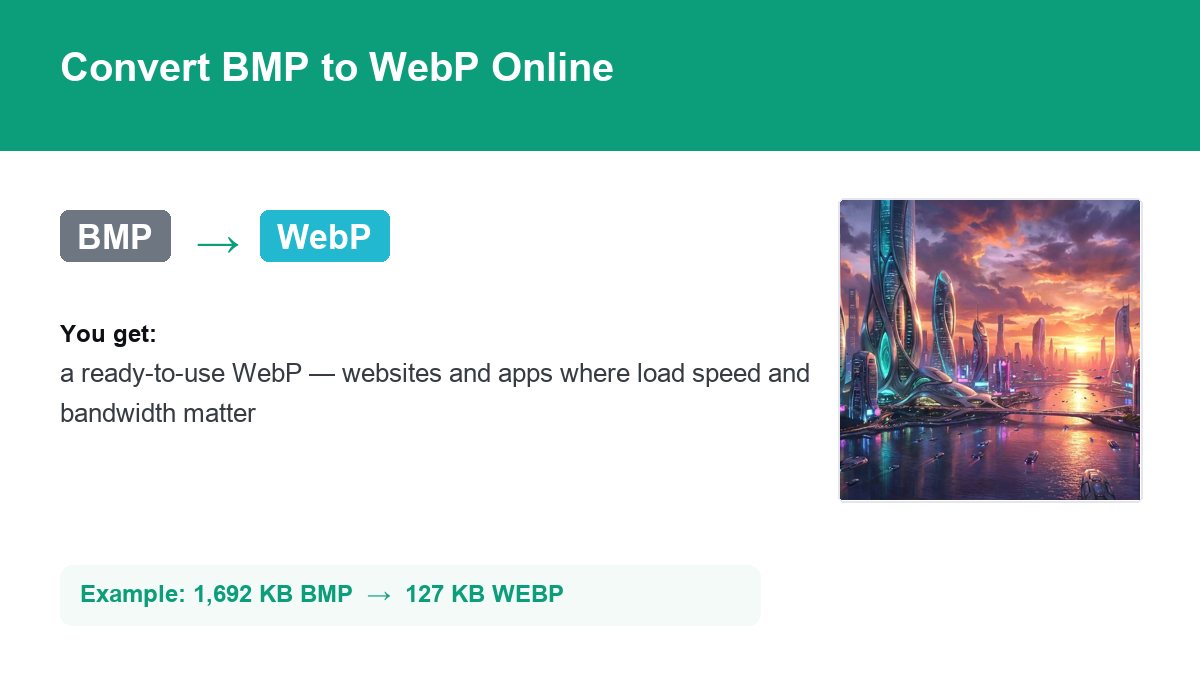
img.now re-encodes your image as WebP at full resolution on our servers - No quality lost to resizing.
Download the WebP
Grab the result instantly. It is also saved to your files so you can come back to it.
Do more with your WebP
Once it is converted, keep editing in the same workspace.
Need a different conversion? Browse all file converters.
BMP to WebP - Questions
What is a BMP file?
Why convert BMP to WebP instead of keeping BMP?
Will I lose quality converting BMP to WebP?
Is converting BMP to WebP free?
Will the quality drop when I convert BMP to WebP?
Do you keep my files?
Do more than convert
img.now also generates images from text, upscales, removes backgrounds and edits - All in one workspace, saved to your account.
Create a free account