
Convert SVG to PNG Online
Need to turn a SVG file into PNG? SVG is a vector format: instead of pixels it stores shapes as math, so it scales to any size with zero quality loss. It is perfect for logos and icons on the web - But it has to be rasterised to JPG or PNG wherever a fixed-pixel image is required. PNG (Portable Network Graphics) is a lossless format built for graphics rather than photos. It keeps every pixel exactly and supports a full alpha channel, so it is the go-to for logos, icons, screenshots and anything with transparency or crisp edges. Converting from SVG to PNG bridges the two: you keep the picture, but in a format that fits where you are taking it.
Drop a SVG file or browse
Up to 16 MB

Create a free account to convert and save your files.
Why convert SVG to PNG?
SVG is a vector, so it scales perfectly but is not a fixed-pixel image many tools accept. Rasterising to PNG gives you a ready-to-use picture at the resolution you need, while the original SVG stays available for crisp scaling.
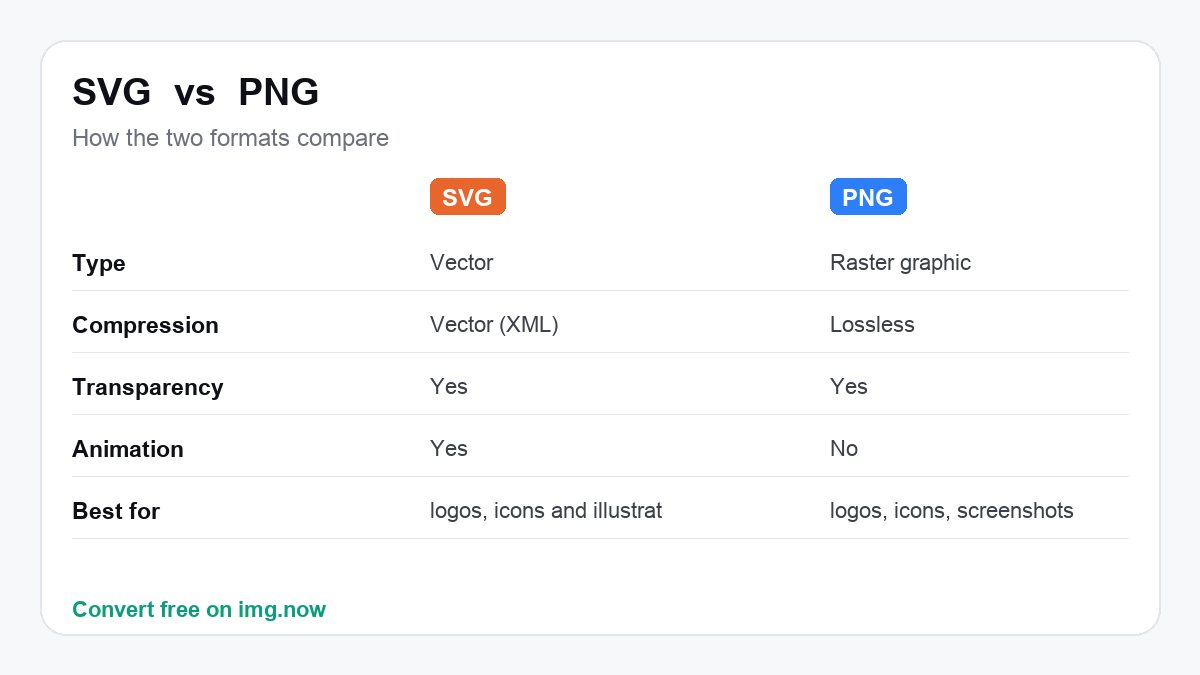
| SVG | PNG | |
|---|---|---|
| Type | Vector | Raster graphic |
| Compression | Vector (XML) | Lossless |
| Transparency | Yes | Yes |
| Animation | Yes | No |
What to expect converting SVG to PNG
Size depends entirely on the export resolution: a tiny vector can become a multi-megabyte PNG at large sizes.
The vector is rasterised once at your chosen pixels; it is crisp at that size but no longer scales freely.
Use it to drop a logo or icon into tools that need a fixed-pixel image.
Keep the SVG as the master so you can re-export crisply at any size later.
About SVG and PNG
SVG
SVG is a vector format: instead of pixels it stores shapes as math, so it scales to any size with zero quality loss. It is perfect for logos and icons on the web - But it has to be rasterised to JPG or PNG wherever a fixed-pixel image is required.
- Infinitely scalable - Never blurry
- Tiny for simple graphics
- Editable as code/text
PNG
PNG (Portable Network Graphics) is a lossless format built for graphics rather than photos. It keeps every pixel exactly and supports a full alpha channel, so it is the go-to for logos, icons, screenshots and anything with transparency or crisp edges.
- Lossless - No quality loss
- Full transparency (alpha channel)
- Sharp on text, lines and flat colour
Convert SVG to PNG in three steps
Upload your SVG
Drop in a SVG file from your device, up to 16 MB. SVG files are read automatically.
We convert it to PNG
img.now re-encodes your image as PNG at full resolution on our servers - No quality lost to resizing.
Download the PNG
Grab the result instantly. It is also saved to your files so you can come back to it.
Do more with your PNG
Once it is converted, keep editing in the same workspace.
Need a different conversion? Browse all file converters.
Convert SVG to other formats
SVG to PNG - Questions
What is a SVG file?
Why convert SVG to PNG instead of keeping SVG?
Will I lose quality converting SVG to PNG?
Is converting SVG to PNG free?
Will the quality drop when I convert SVG to PNG?
Do you keep my files?
Do more than convert
img.now also generates images from text, upscales, removes backgrounds and edits - All in one workspace, saved to your account.
Create a free account