
How img.now generates images
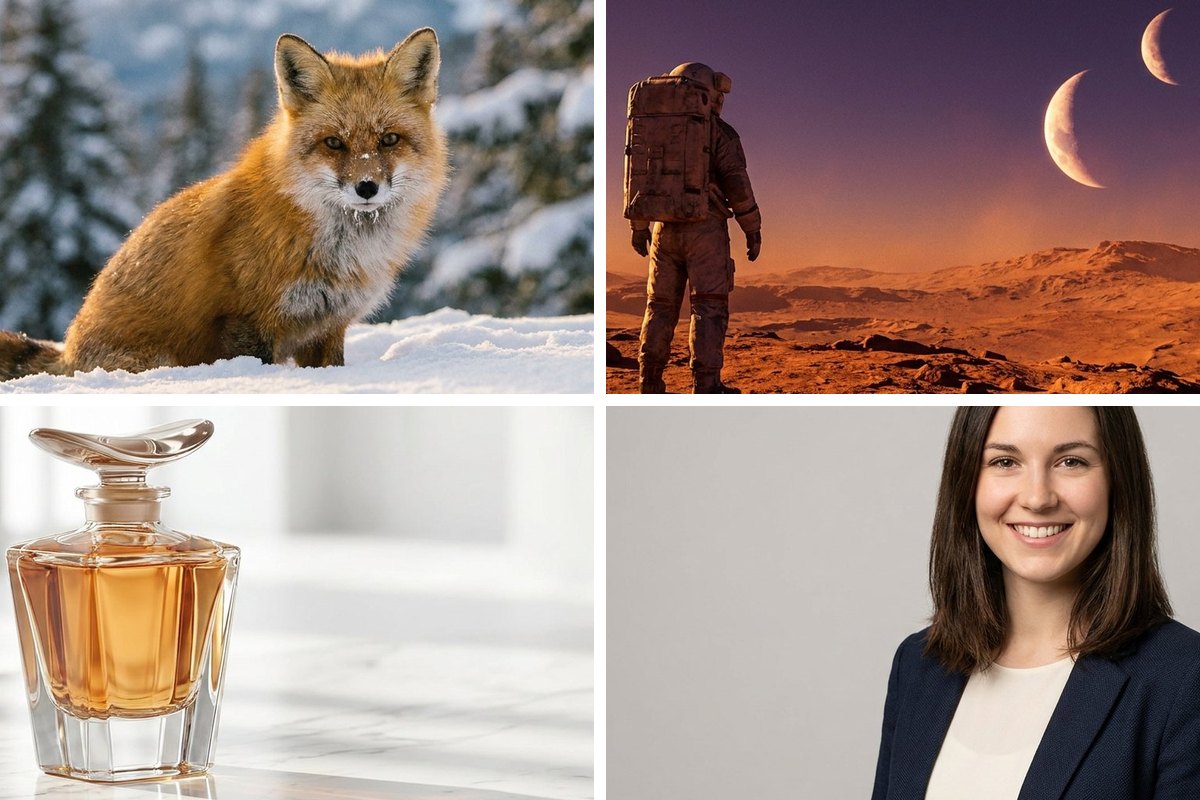
Image generation turns a written prompt into a brand-new picture. img.now runs every generation on a single, high-fidelity model, so results stay consistent whether you are making a photo, an illustration or a logo concept - No model menus to wrestle with.
From words to a finished image
The model starts from random noise and refines it step by step, pulling the image toward your description until it is sharp. Nothing is pasted from stock - Every result is generated specifically for your prompt, which is why two identical prompts can still give you fresh options.
- Photos, illustrations, 3D, logos and more
- Understands lighting, materials, mood and colour
- Generates several distinct options at once
- Consistent quality across every style
Two ways to create
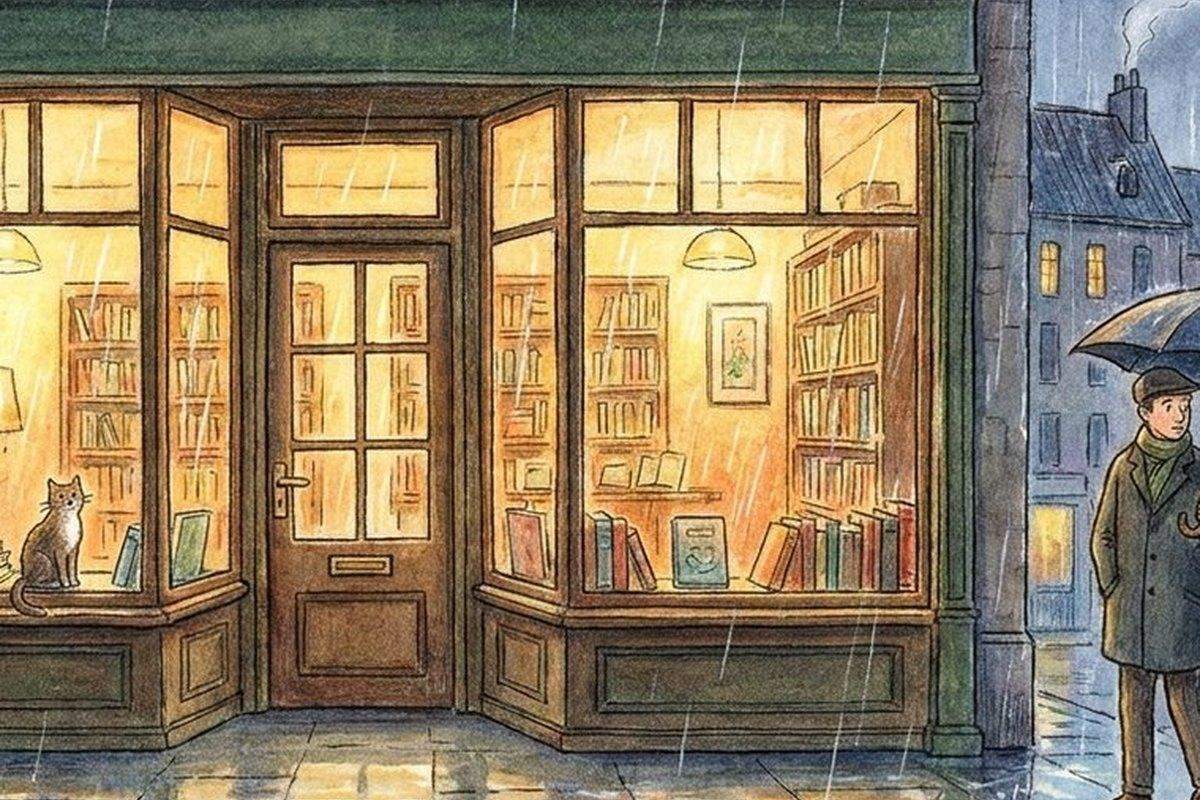
Start from a blank canvas with text-to-image, or upload a picture and steer it with image-to-image. A Change slider decides how much of your original to keep, so you can lightly restyle a photo or reinvent it completely.
- Text to image for something brand new
- Image to image to restyle a starting picture
- A Change slider from subtle to total
- Negative prompts to remove what you do not want
What the model is good at
| Task | Reliability | Tip |
|---|---|---|
| Scenes & landscapes | Excellent | Name the setting and light |
| Product & still life | Excellent | Describe the surface |
| Portraits & avatars | Strong | Add camera and lens words |
| Readable text in-image | Limited | Keep words short or add later |
| Hands & fine anatomy | Variable | Use a negative prompt |
How reliably it nails each task
A simple workflow
Write a clear prompt
Name the subject, setting, style and lighting.
Generate options
Create a few at once and pick the strongest.
Refine or edit
Tweak the prompt, or send the result to a tool.
Honest limits
AI image models are powerful but not perfect. They can struggle with small readable text, exact counts, hands and precise brand marks. When a result misses, a clearer prompt or a quick edit usually fixes it - The how AI image generators work guide explains why.