
AI Banner Maker - Free Canva Alternative
Skip the drag-and-drop. Type a prompt and get a pixel-perfect banner in the exact IAB format your ad platform expects - no templates, no manual resizing. img.now generates and crops the image for you, so the final file is ready to upload.
Creating Canva banners with AI
Skip the drag-and-drop. Type a prompt and get a pixel-perfect banner in the exact IAB format your ad platform expects - no templates, no manual resizing. img.now generates and crops the image for you, so the final file is ready to upload. The generator understands Canva's creative conventions - From aspect ratios to the colour palettes and visual density that its audience responds to - And produces pixel-accurate creatives in seconds.
- Output at the exact pixel dimensions Canva expects - No resizing needed
- Multiple visual styles - Photographic, Minimal, Cinematic, Product
- Download and upload directly to Canva - CC0, no watermarks
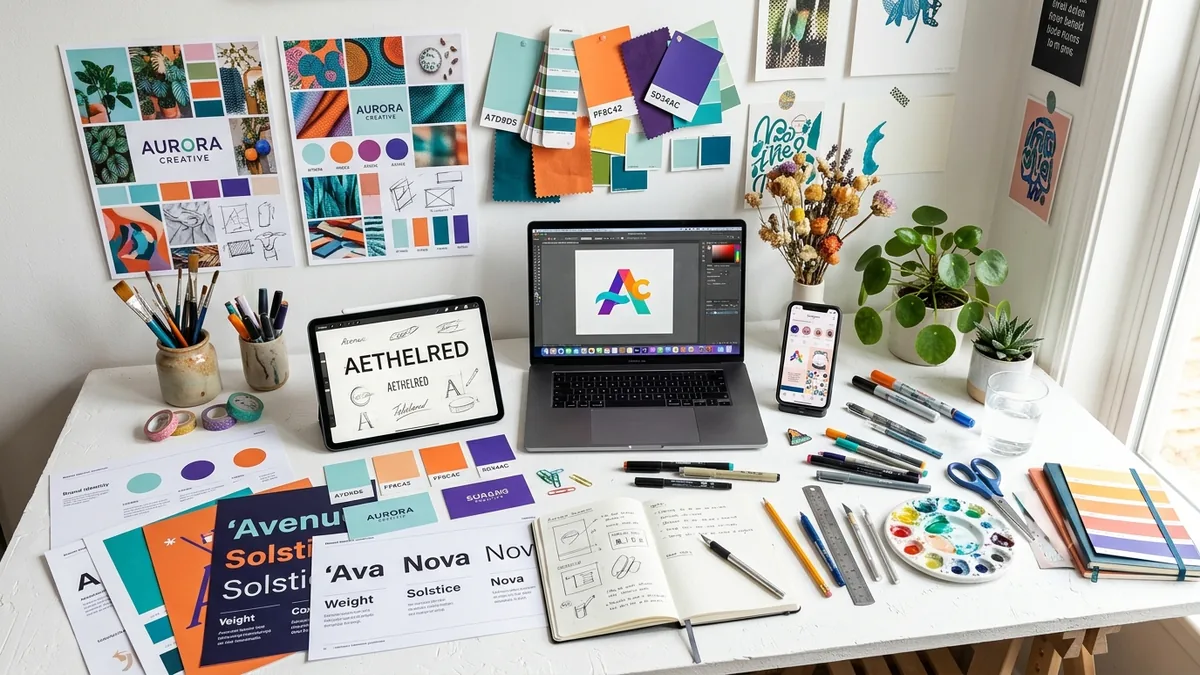
Why your Canva banner matters
170 million users start from Canva's shared template library every month - which means millions of businesses producing ads from identical starting points. AI generation produces a completely unique image for every prompt, giving your creative an originality advantage that is impossible to achieve with shared templates. Unique visuals drive higher ad recall and lower creative fatigue.
Canva banner sizes at a glance
Platform-native dimensions for reference. The generator produces IAB ad sizes - use the table below to resize your creative in Photopea or Squoosh after downloading.
| Format name | Dimensions (px) | Aspect ratio | Primary use | IAB equivalent |
|---|---|---|---|---|
| Canva Ad Banner | 728×90 | 8.09 : 1 | Common Canva leaderboard ad template | IAB Leaderboard |
| Canva Social Post | 1080×1080 | 1.0 : 1 | Square social media post template | - |
| Canva Presentation | 1920×1080 | 1.78 : 1 | Widescreen presentation slide | - |
Canva banner best practices
Tested principles for creatives that perform.
- Describe the specific scene, not the abstract style. 'A bright sunlit coffee shop with steam rising from a cup on a wooden table' generates far better results than 'a nice coffee banner'. Specificity is the core skill in AI image prompting.
- Specify your colour palette explicitly. AI models respond well to direct colour instructions: 'warm terracotta and cream palette', 'navy and gold', 'monochrome with a single red accent'. This gives you brand-consistent output.
- Use the Style selector to control overall aesthetic. The Photographic, Minimal, Flat Design, Watercolor, and other style options constrain the output to a consistent visual language - use this before adjusting the text prompt.
- Generate 3+ variants before choosing. AI output is stochastic - each generation is unique. The difference between a mediocre creative and a great one is often just one more generation with the same prompt.
- Combine AI imagery with Canva for text layers. Import the generated PNG into Canva to add typography, buttons, and layout elements on top. This combines AI-quality imagery with Canva's full design toolkit.
- Download as PNG for maximum quality. PNG preserves detail without compression artefacts, especially for images with sharp edges or gradients. Use JPG only when file size is a hard constraint.
Pre-publish checklist
Verify before uploading your creative.
- Prompt describes a specific scene, not vague adjectives
- Colour palette is explicitly stated in the prompt or has been tested
- Chosen size matches the target ad placement exactly
- Generated image has visual breathing room for any text overlay needed
- Visual style is consistent with your brand across all creatives
- Downloaded as PNG for highest quality before importing into Canva