
AI Minecraft Banner Maker
Make eye-catching banners to promote your Minecraft server on forum listings, Discord servers, and server-list sites. Pick the classic 728×90 leaderboard or the 300×250 rectangle - the two most common formats used in Minecraft community directories.
Creating Minecraft banners with AI
Make eye-catching banners to promote your Minecraft server on forum listings, Discord servers, and server-list sites. Pick the classic 728×90 leaderboard or the 300×250 rectangle - the two most common formats used in Minecraft community directories. The generator understands Minecraft's creative conventions - From aspect ratios to the colour palettes and visual density that its audience responds to - And produces pixel-accurate creatives in seconds.
- Output at the exact pixel dimensions Minecraft expects - No resizing needed
- Multiple visual styles - Photographic, Minimal, Cinematic, Product
- Download and upload directly to Minecraft - CC0, no watermarks
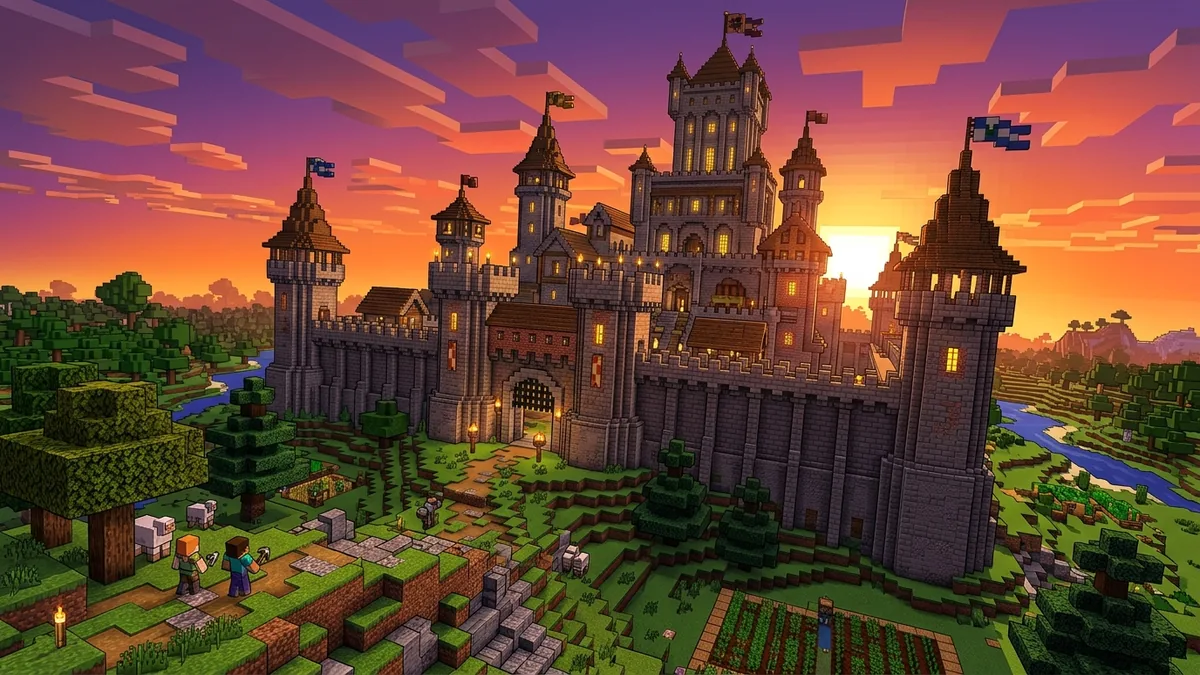
Why your Minecraft banner matters
Minecraft has over 170 million registered players and a thriving server ecosystem with hundreds of thousands of servers competing for players. Server-list sites like Planet Minecraft and Minecraft-Server-List collectively receive tens of millions of monthly visits - your banner is the only visual differentiator in a dense listing grid.
Minecraft banner sizes at a glance
Platform-native dimensions for reference. The generator produces IAB ad sizes - use the table below to resize your creative in Photopea or Squoosh after downloading.
| Format name | Dimensions (px) | Aspect ratio | Primary use | IAB equivalent |
|---|---|---|---|---|
| Server List Banner | 728×90 | 8.09 : 1 | Standard on server-list sites | IAB Leaderboard |
| Forum Signature | 500×100 | 5.0 : 1 | Common on Minecraft forums | - |
| Discord Banner | 960×540 | 1.78 : 1 | Discord server promotional image | - |
Minecraft banner best practices
Tested principles for creatives that perform.
- Make your theme unmistakable in 90 pixels of height. A 728×90 banner is narrow. One bold scene - a castle, a spaceship, a prison corridor - communicates your server type faster than any text.
- Use the Illustration or 3D Render style. These styles produce the pixel-art and voxel-inspired look that feels native to the Minecraft community. Photographic styles can look out of place on server-list sites.
- Include your server name area. Many server banners overlay the server name in a text tool after generating the background image. Leave a slightly less busy area (usually left or right third) for this text overlay.
- High contrast wins in a grid. Your banner will appear alongside dozens of others. Bold, high-contrast colour combinations (dark background + bright accent) stand out far more than mid-tone realistic scenes.
- Match your in-game branding. If your server has a specific colour scheme or logo, describe those colours explicitly in your prompt so the banner feels consistent with the server's in-game experience.
- Test at actual display size. Before uploading, scale your browser to view the banner at 728×90 in context. Details that look fine large often become indistinct at actual size.
Pre-publish checklist
Verify before uploading your creative.
- Server theme (survival, creative, factions, etc.) is immediately clear from the image
- Image dimensions are exactly 728×90 px for server-list sites
- High contrast between background and any foreground elements
- Space reserved for server name text overlay if needed
- No GIF or animation (most listing sites only accept static images)
- File size under the site's limit (typically 100-500 KB for 728×90)