
Online Banner Maker - AI Ad Creatives
Generate banner ads for any website, blog, or ad network in seconds. All ten IAB-standard formats are supported - from the 300×250 Medium Rectangle (the most-served banner size on the web) to the 728×90 Leaderboard and beyond.
Creating Online banners with AI
Generate banner ads for any website, blog, or ad network in seconds. All ten IAB-standard formats are supported - from the 300×250 Medium Rectangle (the most-served banner size on the web) to the 728×90 Leaderboard and beyond. The generator understands Online's creative conventions - From aspect ratios to the colour palettes and visual density that its audience responds to - And produces pixel-accurate creatives in seconds.
- Output at the exact pixel dimensions Online expects - No resizing needed
- Multiple visual styles - Photographic, Minimal, Cinematic, Product
- Download and upload directly to Online - CC0, no watermarks
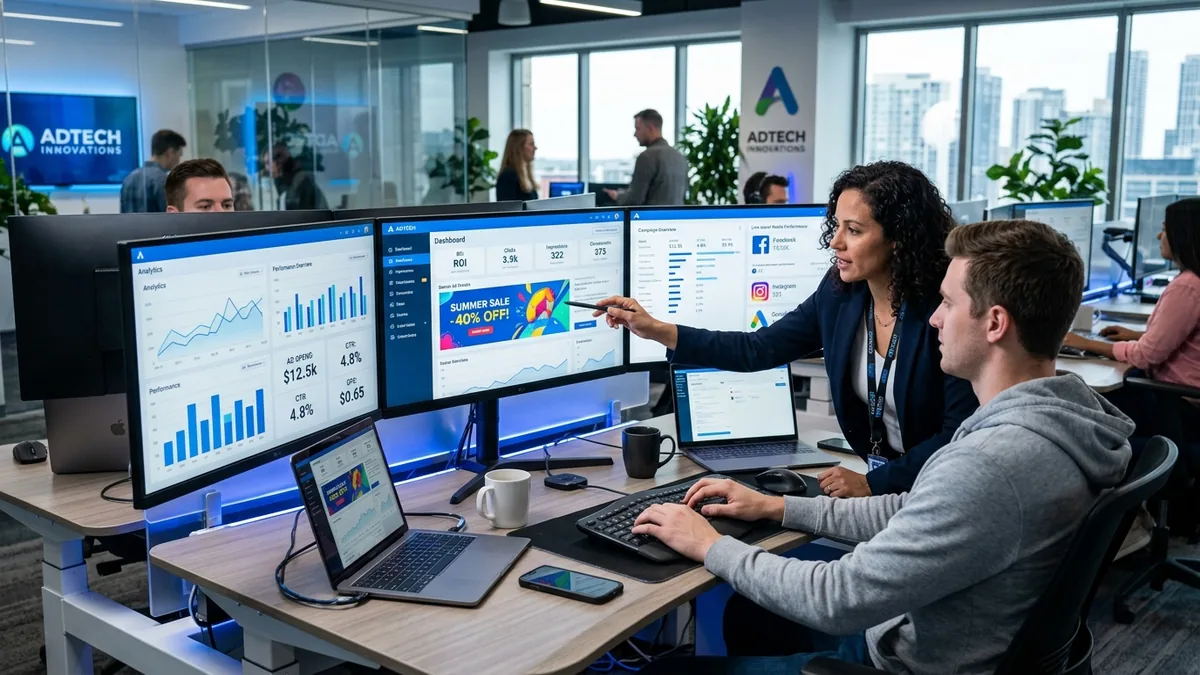
Why your Online banner matters
Online display advertising is a $165 billion global market. The IAB's standard banner sizes define the creative formats accepted by Google Ads, Meta, The Trade Desk, Taboola, and every major DSP. Using standard dimensions means your creative can run across 2 million+ publisher websites on the Google Display Network alone - without resizing or reformatting.
Online banner sizes at a glance
Platform-native dimensions for reference. The generator produces IAB ad sizes - use the table below to resize your creative in Photopea or Squoosh after downloading.
| Format name | Dimensions (px) | Aspect ratio | Primary use | IAB equivalent |
|---|---|---|---|---|
| Medium Rectangle | 300×250 | 1.2 : 1 | Most-served ad unit on the web | IAB Medium Rectangle |
| Leaderboard | 728×90 | 8.09 : 1 | Top-of-page horizontal placement | IAB Leaderboard |
| Half Page | 300×600 | 0.5 : 1 | High-impact sidebar unit | IAB Half Page |
| Wide Skyscraper | 160×600 | 0.27 : 1 | Narrow sidebar placement | IAB Wide Skyscraper |
Online banner best practices
Tested principles for creatives that perform.
- Create the 4 core sizes as a minimum set. The 300×250 Medium Rectangle, 728×90 Leaderboard, 160×600 Wide Skyscraper, and 300×600 Half Page together cover the majority of available placements across every major network.
- Design for the 300×250 first. The Medium Rectangle accounts for the largest share of display impressions on the web. Nail this format, then adapt the composition to the other sizes.
- Bold subject at small display sizes. Banners render small - often 300 pixels wide. A single clear focal point with high contrast performs dramatically better than a complex scene that becomes noise at small sizes.
- Use Photographic for products, Minimal for brand. Product ads perform best with clean photographic images on white or light backgrounds. Brand awareness campaigns benefit from the cleaner visual language of Minimal or Flat Design styles.
- Include visual hierarchy. Even in an image-only creative (without text overlay), the composition should direct the eye from top to bottom. The AI responds well to prompts that describe foreground/background relationships.
- Test at 72 DPI screen resolution. Export at 72 DPI for display ads - anything higher is wasted data that slows load time and may hit ad network file size limits.
Pre-publish checklist
Verify before uploading your creative.
- All 4 core IAB sizes created (300×250, 728×90, 160×600, 300×600)
- File sizes are within network limits (typically 150 KB for Google Ads)
- Visual focal point is clear and centred at each size
- No trademark or copyright violations in the generated imagery
- Saved as JPG (under 150 KB) or PNG (under 150 KB) as required
- Tested at actual display size on a 1920×1080 monitor