
AI YouTube Banner Maker
Create banner ads for YouTube display and discovery campaigns - or design channel art inspiration that captures your brand. Choose from IAB-standard formats used across the Google Display Network, which powers ads shown on YouTube.
Creating YouTube banners with AI
Create banner ads for YouTube display and discovery campaigns - or design channel art inspiration that captures your brand. Choose from IAB-standard formats used across the Google Display Network, which powers ads shown on YouTube. The generator understands YouTube's creative conventions - From aspect ratios to the colour palettes and visual density that its audience responds to - And produces pixel-accurate creatives in seconds.
- Output at the exact pixel dimensions YouTube expects - No resizing needed
- Multiple visual styles - Photographic, Minimal, Cinematic, Product
- Download and upload directly to YouTube - CC0, no watermarks
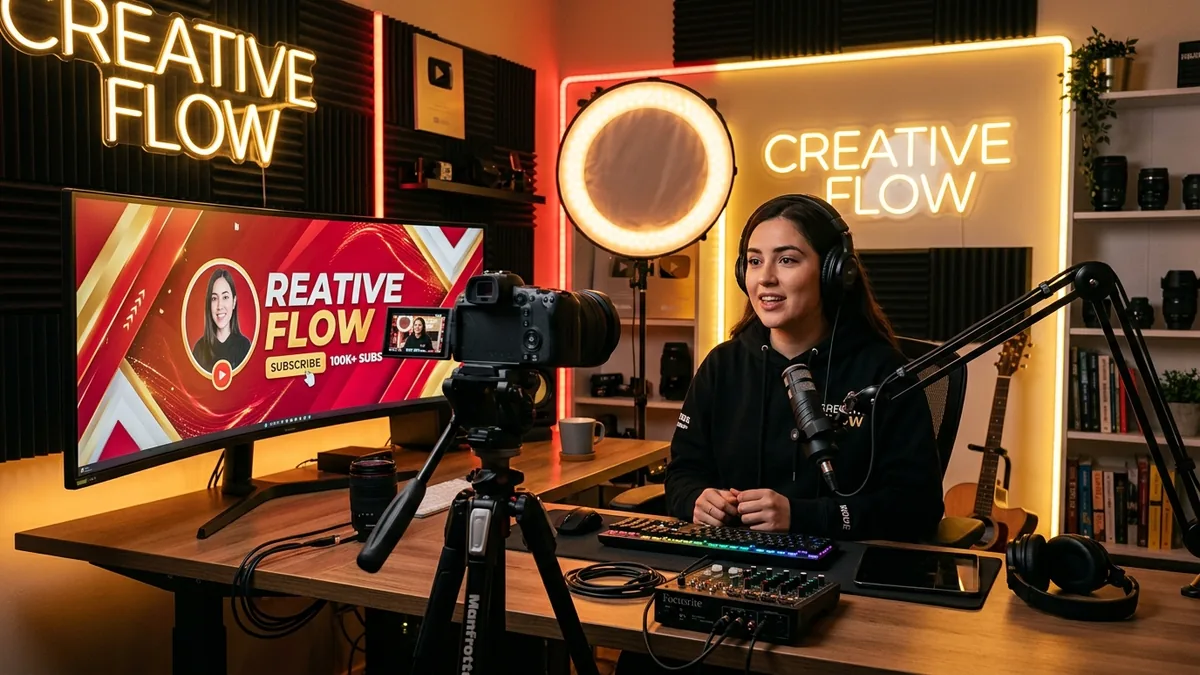
Why your YouTube banner matters
YouTube is the world's second-largest search engine and the dominant video platform, with over 2 billion logged-in users visiting every month. Channel art is the first visual impression a visitor sees before deciding whether to subscribe, while Google Display Network ads on YouTube reach 90% of internet users globally - more than any other single display network.
YouTube banner sizes at a glance
Platform-native dimensions for reference. The generator produces IAB ad sizes - use the table below to resize your creative in Photopea or Squoosh after downloading.
| Format name | Dimensions (px) | Aspect ratio | Primary use | IAB equivalent |
|---|---|---|---|---|
| Channel Art | 2560×1440 | 1.78 : 1 | YouTube profile header (safe area 1546×423 px) | - |
| Leaderboard Ad | 728×90 | 8.09 : 1 | Most-served YouTube display ad | IAB Leaderboard |
| Medium Rectangle | 300×250 | 1.2 : 1 | In-stream sidebar placement | IAB Medium Rectangle |
YouTube banner best practices
Tested principles for creatives that perform.
- Design for the safe zone first. The only region guaranteed to display on every device - desktop, TV, mobile, and tablet - is the central 1546×423 px strip. Keep your logo, channel name, and any text within this zone.
- Use high contrast throughout. Channel art displays on both light and dark backgrounds depending on the viewer's OS theme. A subtle dark overlay behind any text ensures legibility in both modes without affecting the overall design.
- Match your thumbnail grid palette. Your banner and your thumbnail grid are viewed together. Using the same 2-3 accent colours in both creates a consistent visual identity that accelerates brand recognition.
- Keep composition simple. Channel art is decorative context, not a sales message. One strong hero image, your channel name, and optionally an upload schedule is usually all you need - resist filling every pixel.
- Landscape formats for display ads. For YouTube display ads shown beside search results and videos, the 728×90 Leaderboard and 300×250 Medium Rectangle are the two most-served units on the network. Generate both.
- Generate multiple variants. AI output is non-deterministic - the same prompt produces a different image every time. Generate at least three variants before choosing, particularly for colour-critical work.
Pre-publish checklist
Verify before uploading your creative.
- Logo and channel name are fully visible within the 1546×423 px safe zone
- Text is legible at 100% screen zoom without additional zooming
- No critical visual element bleeds outside the safe zone
- File is saved as JPG or PNG under 6 MB (YouTube's upload limit for channel art)
- The colour palette matches your thumbnail style
- Design tested on both light and dark OS backgrounds