
AI Twitter / X Banner Maker
Create header images and display ad creatives for Twitter (X). The 728×90 Leaderboard mirrors the wide aspect of a Twitter profile header, while the 300×250 Medium Rectangle suits promoted tweet sidebar placements.
Creating Twitter / X banners with AI
Create header images and display ad creatives for Twitter (X). The 728×90 Leaderboard mirrors the wide aspect of a Twitter profile header, while the 300×250 Medium Rectangle suits promoted tweet sidebar placements. The generator understands Twitter / X's creative conventions - From aspect ratios to the colour palettes and visual density that its audience responds to - And produces pixel-accurate creatives in seconds.
- Output at the exact pixel dimensions Twitter / X expects - No resizing needed
- Multiple visual styles - Photographic, Minimal, Cinematic, Product
- Download and upload directly to Twitter / X - CC0, no watermarks
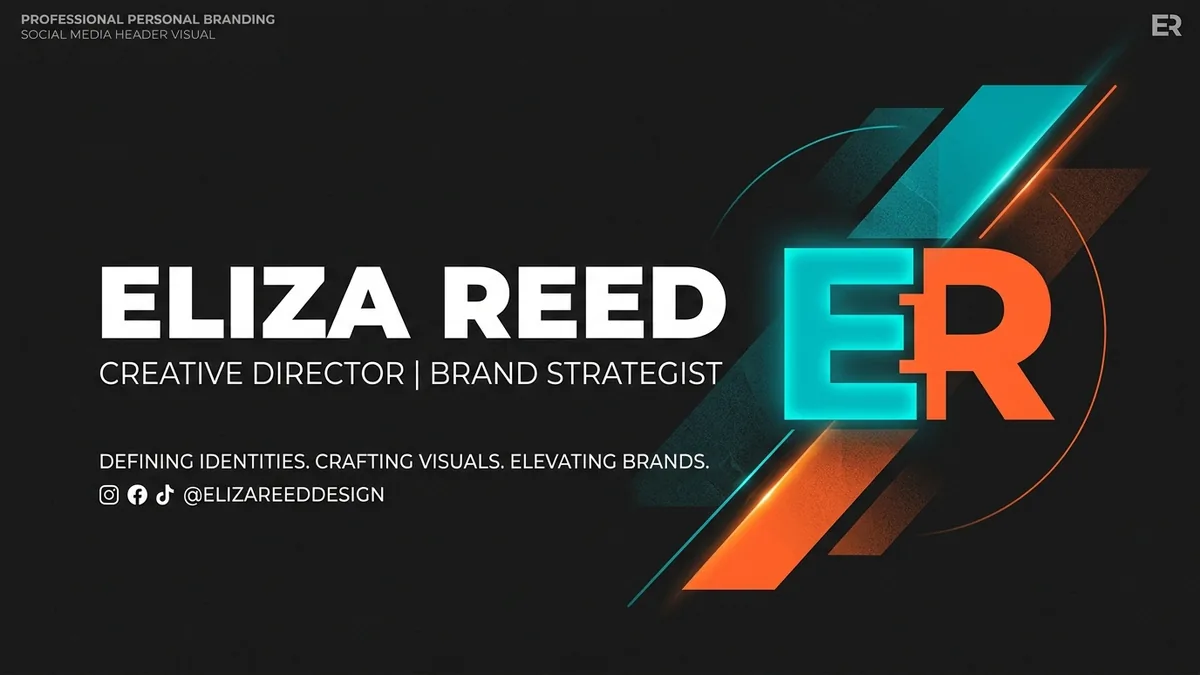
Why your Twitter / X banner matters
Twitter / X has 350 million monthly active users with some of the highest real-time engagement rates of any platform. Your profile header banner (1500×500 px) is seen by every single visitor to your profile before they read a single post - it is prime real estate for your brand story, services, or personality.
Twitter / X banner sizes at a glance
Platform-native dimensions for reference. The generator produces IAB ad sizes - use the table below to resize your creative in Photopea or Squoosh after downloading.
| Format name | Dimensions (px) | Aspect ratio | Primary use | IAB equivalent |
|---|---|---|---|---|
| Profile Header Banner | 1500×500 | 3.0 : 1 | Twitter / X profile banner (3:1) | - |
| In-stream Card Image | 800×418 | 1.91 : 1 | Promoted tweet with image card | - |
| Website Card Image | 800×418 | 1.91 : 1 | Twitter website ad card image | - |
Twitter / X banner best practices
Tested principles for creatives that perform.
- Design around the profile photo overlap. Your profile photo (a circle) sits in the bottom-left corner of your header, covering roughly 200×200 px. Keep the left third of your banner design free of critical visual information.
- Use a 3:1 landscape composition. The Twitter / X header is 1500×500 px - an unusual 3:1 aspect ratio. The 728×90 Leaderboard is the closest AI-generated format at 8:1; generate at this size, then scale to 1500×500 and crop.
- Strong subject on the right, clean background on the left. The right side of the header is unobstructed by the profile photo. Placing your key visual there - with a gradient or minimal background on the left - is the most reliable layout.
- Test on both light and dark Twitter themes. Twitter / X users can switch between light, dim, and dark themes. A header that looks great on white can be harsh or jarring on Twitter's dark blue background.
- Bold, simple design at screen-fitted size. Twitter displays your header at a reduced size on most viewports. Fine detail, small text, and complex patterns all become muddled - prioritise bold, graphic compositions.
- Update the header for campaigns and events. Twitter / X profiles are visited frequently by followers and prospective followers. A seasonal or campaign-specific banner signals that your account is active.
Pre-publish checklist
Verify before uploading your creative.
- Important visuals avoid the bottom-left 200×200 px (profile photo zone)
- Design looks good with a circular profile photo overlapping the bottom-left corner
- Header dimensions when scaled: 1500×500 px (3:1 aspect ratio)
- Design tested against both light and dark Twitter themes
- No critical text in the bottom strip (mobile viewports crop the very bottom)
- File under 5 MB and saved as JPG or PNG