
AI Twitch Banner Maker
Design banners for your Twitch channel panels, offline screens, and promotional campaigns. Use the 970×250 Billboard for a wide header feel, or the 300×250 Medium Rectangle for channel panel blocks.
Creating Twitch banners with AI
Design banners for your Twitch channel panels, offline screens, and promotional campaigns. Use the 970×250 Billboard for a wide header feel, or the 300×250 Medium Rectangle for channel panel blocks. The generator understands Twitch's creative conventions - From aspect ratios to the colour palettes and visual density that its audience responds to - And produces pixel-accurate creatives in seconds.
- Output at the exact pixel dimensions Twitch expects - No resizing needed
- Multiple visual styles - Photographic, Minimal, Cinematic, Product
- Download and upload directly to Twitch - CC0, no watermarks
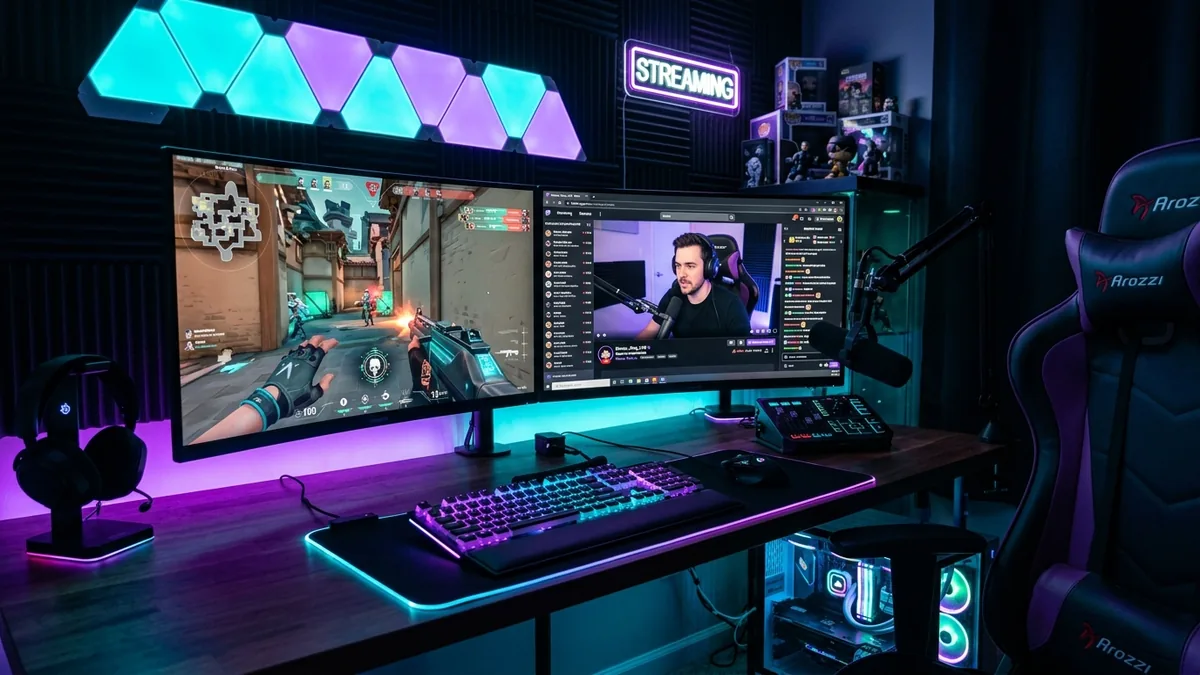
Why your Twitch banner matters
Twitch is the world's leading live streaming platform with 140 million monthly active viewers. Your offline screen and channel panels are visible whenever you are not live - which for most streamers is the majority of the time. A polished channel appearance signals professionalism and measurably increases follow rates from first-time visitors who arrive between streams.
Twitch banner sizes at a glance
Platform-native dimensions for reference. The generator produces IAB ad sizes - use the table below to resize your creative in Photopea or Squoosh after downloading.
| Format name | Dimensions (px) | Aspect ratio | Primary use | IAB equivalent |
|---|---|---|---|---|
| Offline Banner | 1920×1080 | 1.78 : 1 | Shown when stream is offline | - |
| Profile Banner | 1920×480 | 4.0 : 1 | Twitch channel header strip | - |
| Panel Image | 320×160 | 2.0 : 1 | Below-stream info panels | - |
Twitch banner best practices
Tested principles for creatives that perform.
- Design for Twitch's dark purple background. Twitch's interface is dark - banners that use deep, moody colours (dark navy, charcoal, deep purple) integrate naturally, while bright white backgrounds look jarring.
- Keep the offline banner (1920×1080) centre-focused. Most visitors view your Twitch page in a browser viewport that crops the sides. Keep your schedule info, social handles, and key visuals in the central 1280 px.
- Use 320×160 for panels - but keep them simple. Panel images appear below the stream at small sizes. Bold, clear icons or single-line labels render better than complex scenes at this small format.
- Consistency across all assets matters. Offline banner, panels, stream overlay, and channel header should share the same colour palette and general style. Cohesion reads as professionalism.
- Try Cinematic or 3D Render styles for gaming. These produce dramatic lighting and depth that suits gaming and tech streams. For lifestyle, cooking, or IRL streams, Photographic or Watercolor styles work better.
- Include your brand accent colour explicitly. Specify your brand colour in the prompt (e.g., 'neon teal accent', 'red and black colour scheme') so the generated image matches your channel identity.
Pre-publish checklist
Verify before uploading your creative.
- Offline banner dimensions are exactly 1920×1080 px
- Profile banner (channel header) is exactly 1920×480 px
- Panel images are 320×160 px each
- Key content (schedule, social) is in the central 1280 px of the offline banner
- All assets share the same colour palette and style
- Background is dark enough to read well against Twitch's dark UI