
AI LinkedIn Banner Maker
Create LinkedIn display and sponsored content ad creatives in IAB-standard formats. LinkedIn Campaign Manager accepts 728×90 Leaderboard and 300×250 Medium Rectangle for display ads, alongside Sponsored Content image formats.
Creating LinkedIn banners with AI
Create LinkedIn display and sponsored content ad creatives in IAB-standard formats. LinkedIn Campaign Manager accepts 728×90 Leaderboard and 300×250 Medium Rectangle for display ads, alongside Sponsored Content image formats. The generator understands LinkedIn's creative conventions - From aspect ratios to the colour palettes and visual density that its audience responds to - And produces pixel-accurate creatives in seconds.
- Output at the exact pixel dimensions LinkedIn expects - No resizing needed
- Multiple visual styles - Photographic, Minimal, Cinematic, Product
- Download and upload directly to LinkedIn - CC0, no watermarks
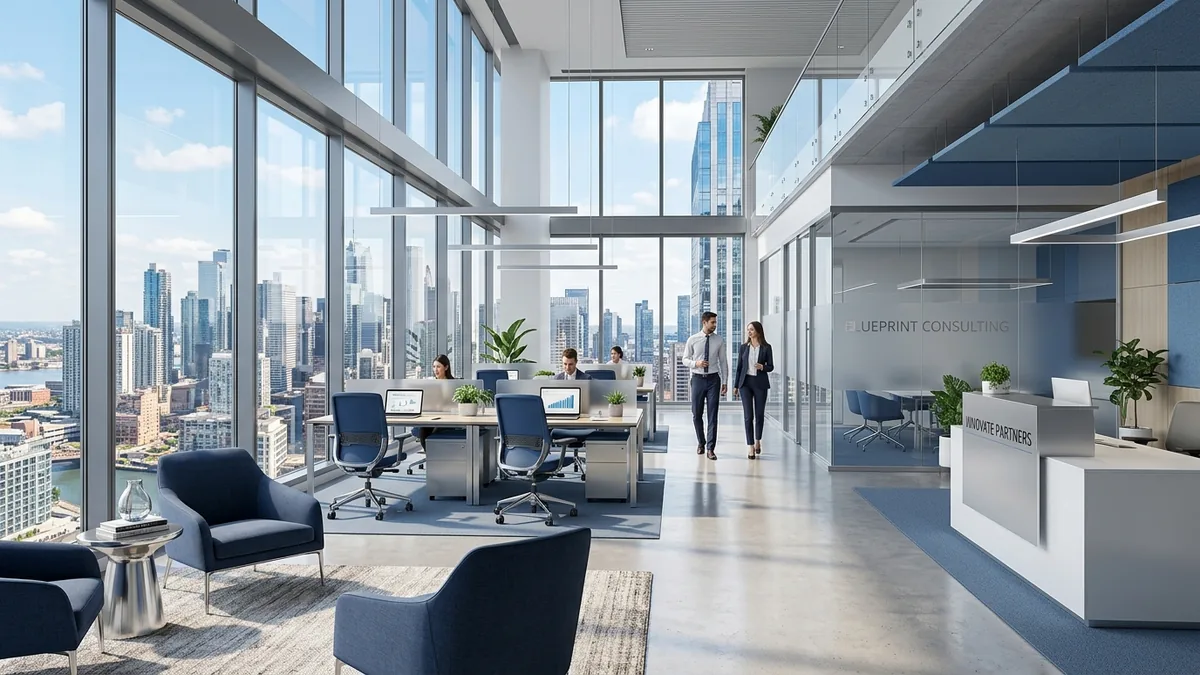
Why your LinkedIn banner matters
LinkedIn reaches 900 million professionals across 200 countries and is the top platform for B2B lead generation. Display advertising on LinkedIn delivers leads at up to 28% lower cost-per-lead than Google Ads for professional-service businesses, and the average household income of LinkedIn's audience is significantly higher than any other social platform.
LinkedIn banner sizes at a glance
Platform-native dimensions for reference. The generator produces IAB ad sizes - use the table below to resize your creative in Photopea or Squoosh after downloading.
| Format name | Dimensions (px) | Aspect ratio | Primary use | IAB equivalent |
|---|---|---|---|---|
| Personal Background Photo | 1584×396 | 4.0 : 1 | LinkedIn profile header photo | - |
| Company Page Cover | 1128×191 | 5.91 : 1 | Company page header image | - |
| Sponsored Content Image | 1200×627 | 1.91 : 1 | Single-image post ad (16:9) | - |
LinkedIn banner best practices
Tested principles for creatives that perform.
- Professional restraint over creative flair. LinkedIn's audience expects corporate-grade visuals. Avoid cartoonish, playful, or overly abstract imagery - Photographic with clean environments or Flat Design with geometric shapes work best.
- Blue, grey, and white dominate the platform. Ads that use LinkedIn's own colour language (corporate blues, steel greys, crisp whites) integrate naturally and are perceived as higher quality by the audience.
- Include subtle brand elements. A consistent brand colour in the background or a geometric motif drawn from your logo creates instant brand recognition even at banner sizes where logo text is unreadable.
- Avoid anything playful for B2B campaigns. Watercolor, Illustration, and Cinematic styles can feel out of place in a professional feed. Reserve them for creative-industry clients or consumer-brand LinkedIn pages.
- Sponsored Content images should be 1200×627. For promoted posts in the LinkedIn feed, this is the optimal image size. The AI's 16:9 landscape format is the closest match - generate and crop as needed.
- Personal profile headers tell your professional story. The 1584×396 background photo is prime real estate for consultants, executives, and job seekers. Use abstract gradients, city skylines, or industry-relevant imagery.
Pre-publish checklist
Verify before uploading your creative.
- Visual style looks professional against a white LinkedIn background
- No distracting, cartoonish, or inappropriate elements
- Brand colour or motif is subtly present
- File format is JPG or PNG as required by Campaign Manager
- Display ad dimensions match LinkedIn's accepted sizes (728×90 or 300×250)
- Image passes LinkedIn's ad review guidelines (no misleading content)